CopperCube 6 Game Engine
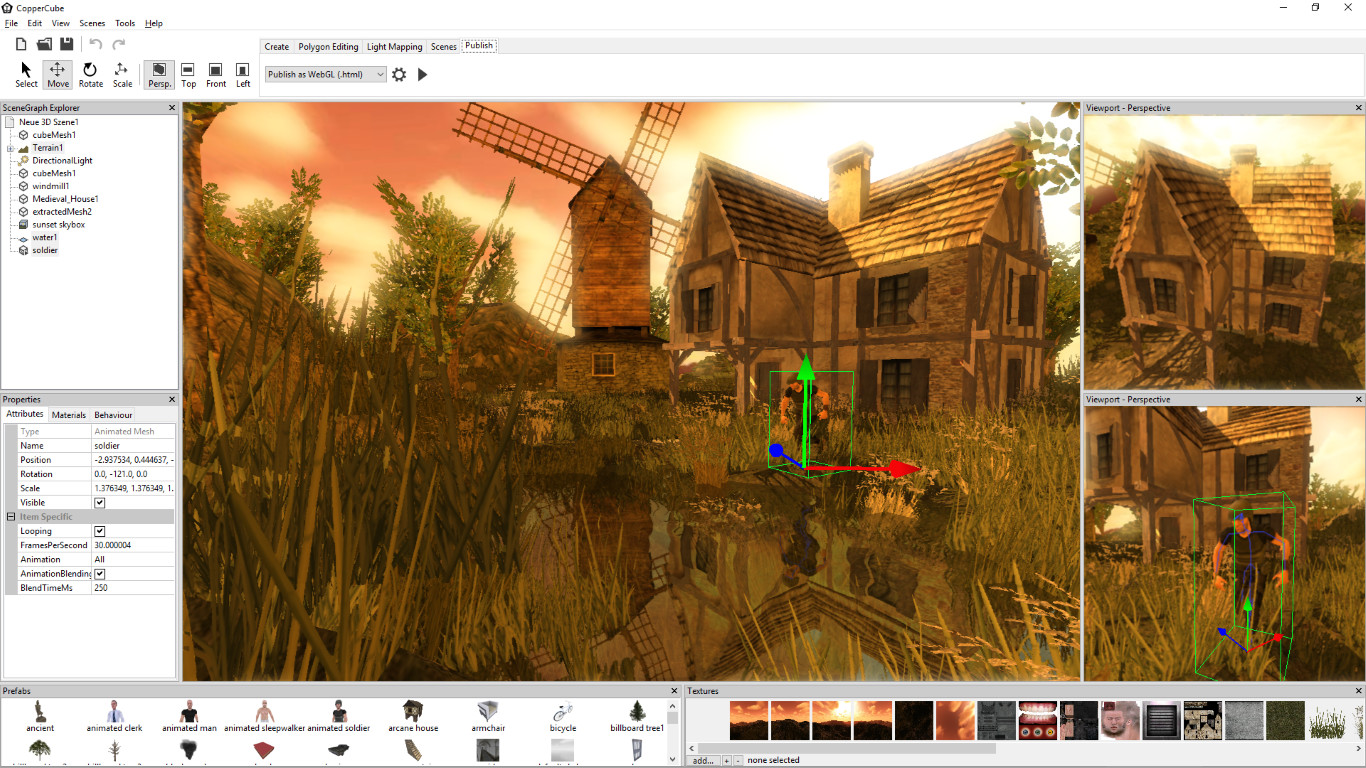
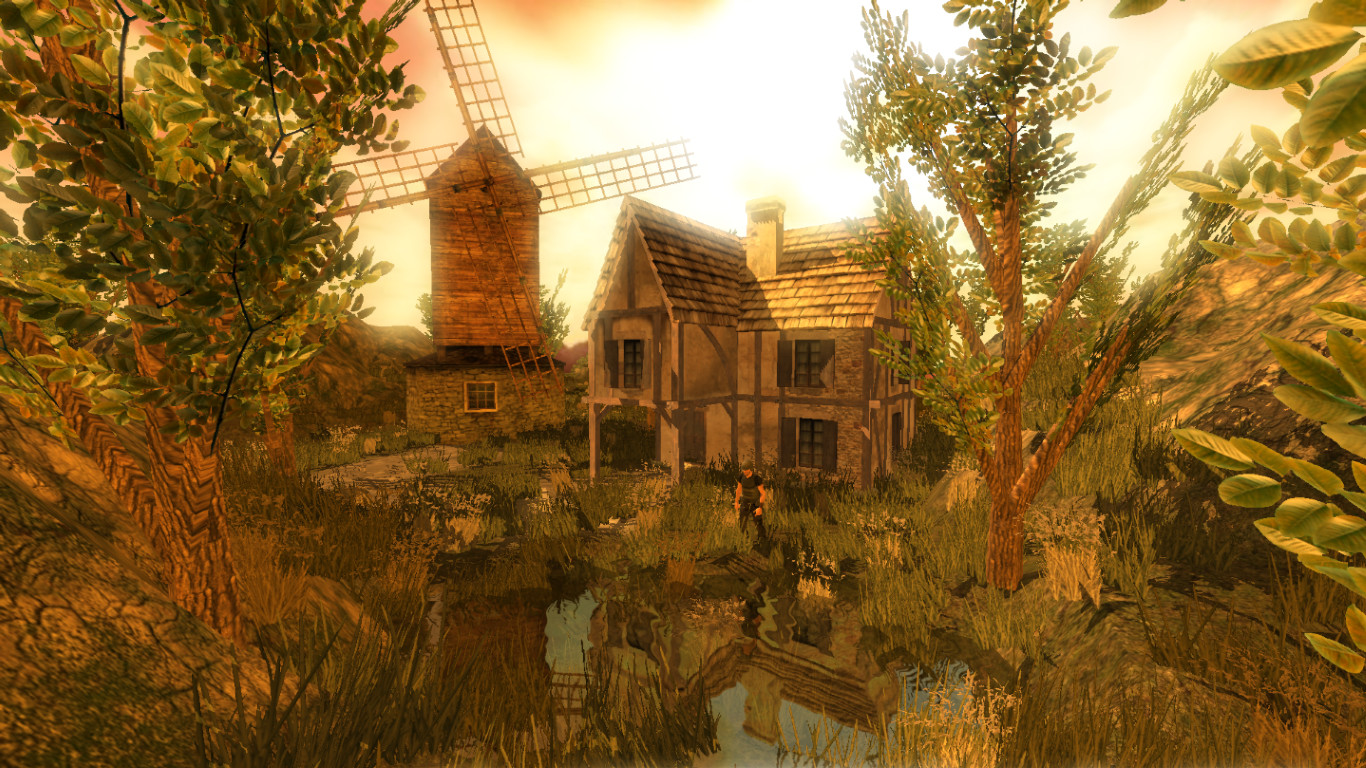
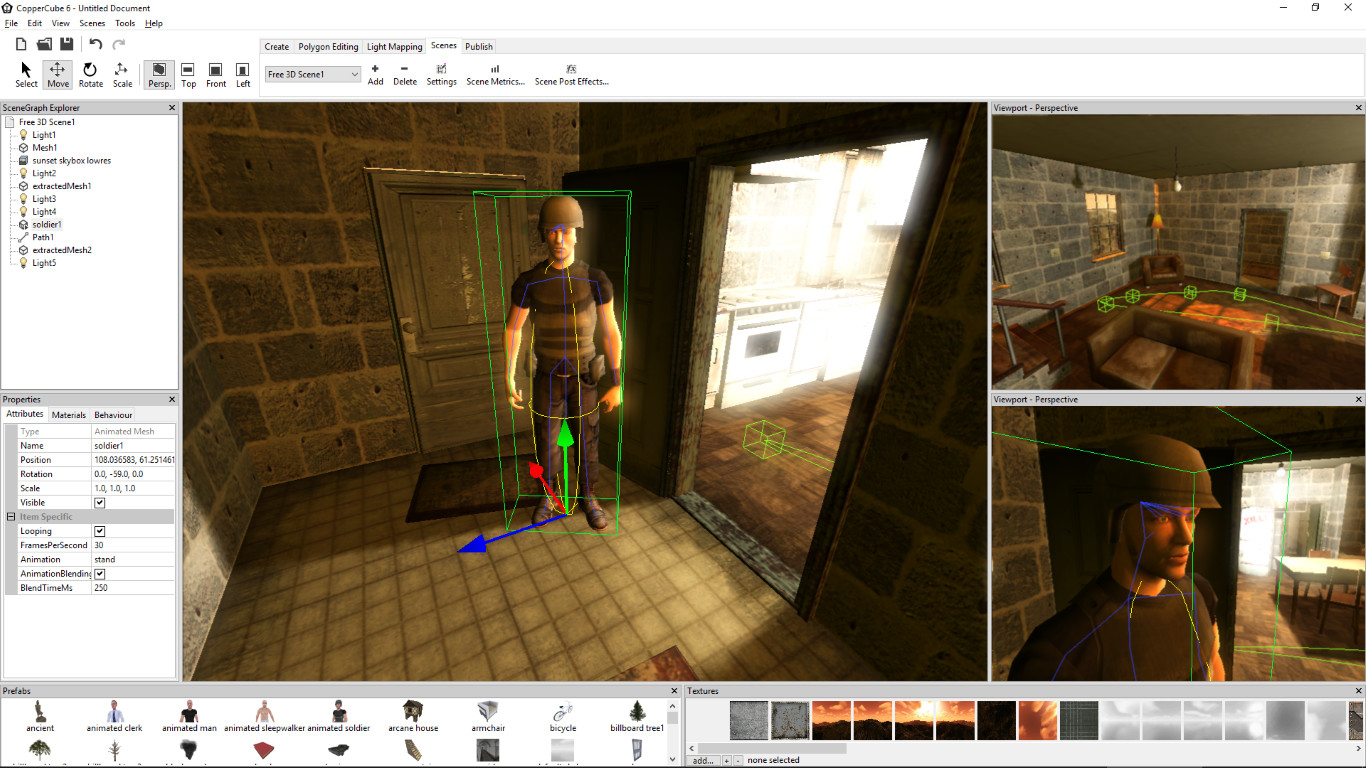
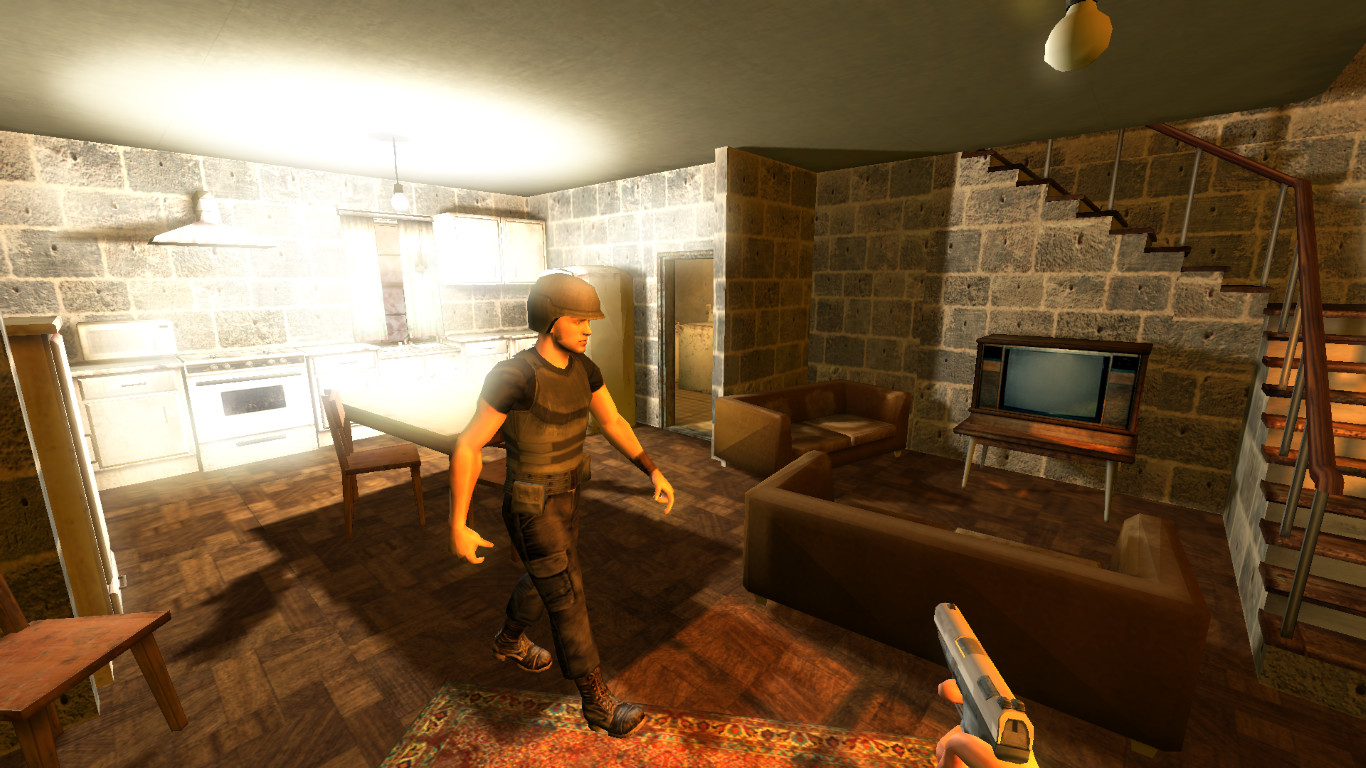
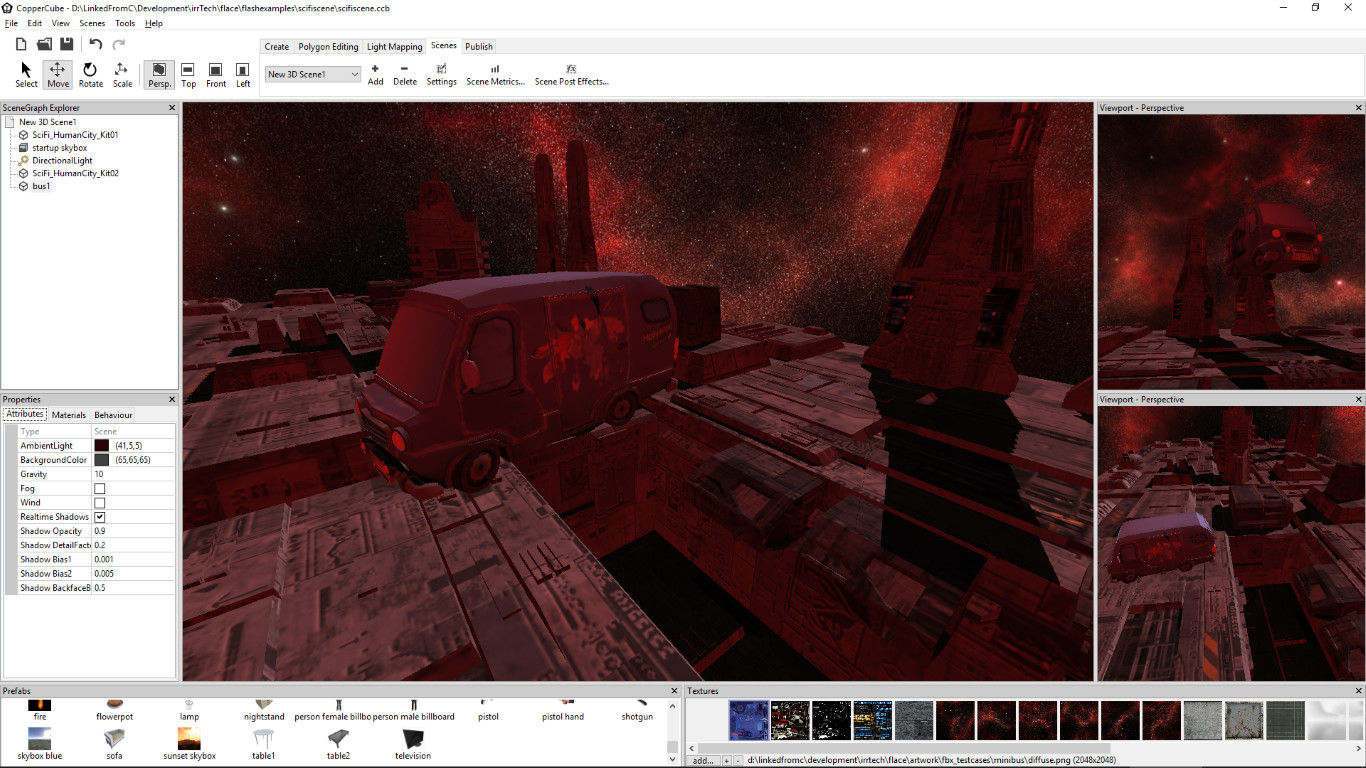
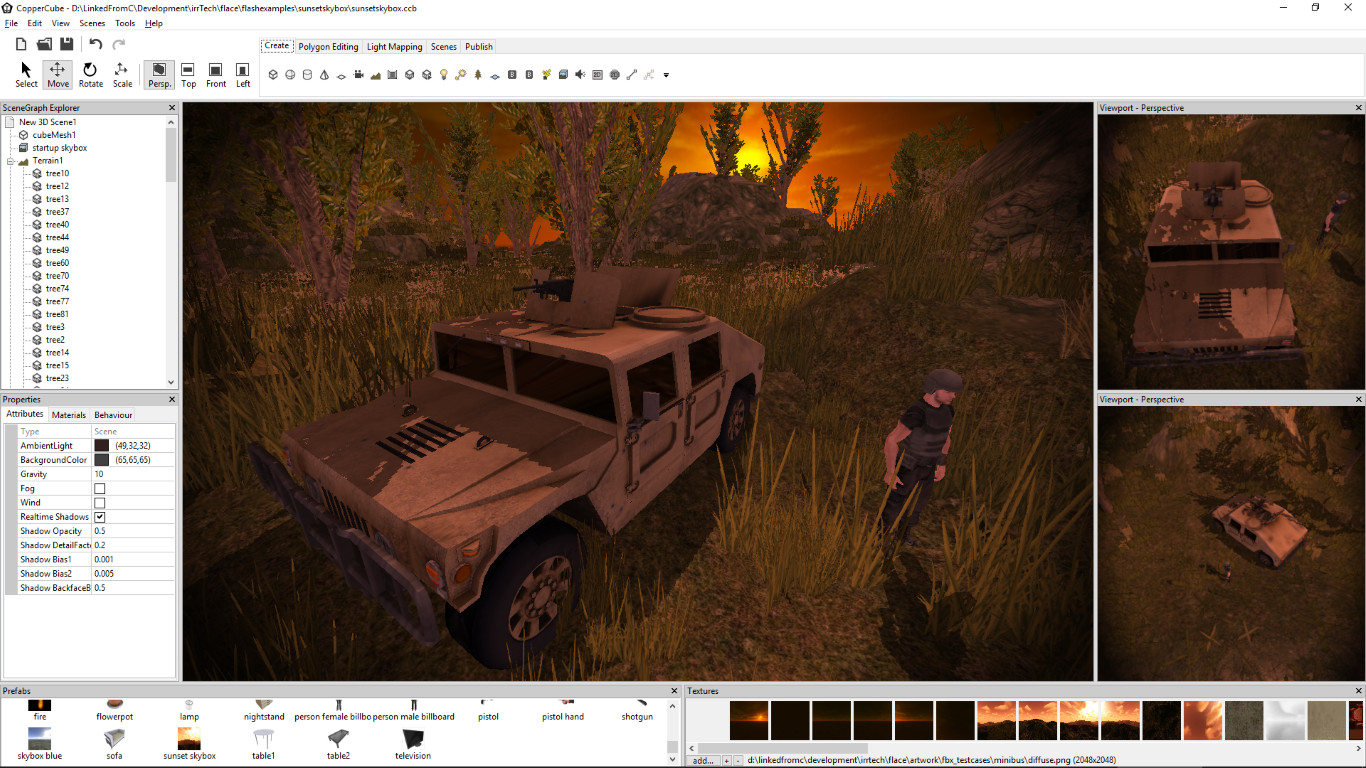
CopperCube is a full-featured 3D game engine. No programming needed! Create 3D games and apps quickly. Includes terrain editor, low poly modelling tools, 3D models, precreated game AI, effects and more. There are also plenty of features for advanced users, like JavaScript scripting and shader support. Create your own 3D worlds and 3D models, set camera controllers, materials, behaviors, click 'publish' and your game or app is ready. As Windows or Mac OS X apps, WebGL websites, or Android apps. You can do all this without programming. The engine is free but there is also a professional edition (DLC): It adds post effects like bloom and the option to customize the splash screen logo. By buying it, you also support the further development of the engine. High performance 3D engine CopperCube includes manually optimized 3D engines for all supported targets, running with OpenGL, Direct3D, and WebGL. Simple-Click game system No programming needed: Wether you want to create a simple 3D game, a complex, epic adventure, or a first person shooter: Select from lots of created behaviors and adjust them accordingly. Terrain Editor Create your own 3D worlds directly in the editor, textures can be painted quickly with automatic texture blending into the terrain. There are also tools for placing grass and bushes, and creating trees. Physics Engine Next to the the built-in blazingly fast collision and repsonse system, there is also a full physics engine integrated when publishing as Windows .exe and Mac OS X .app. Character Animation You can model and animate characters using any 3D software, export it into one of the supported file formats and then import them into Coppercube. Also, it is possible to download existing 3D models from the web and use them in the editor. Low poly editing tools You can edit your own 3D models directly in CopperCube: It includes a simple 3D modelling tool for creating levels, models and items. Cross Platform Script system For advanced users, there is a J
Set up your PC profile to see if you can run this game.
Community Reported FPS
No community FPS reports yet for this game — be the first to share yours!
Sign in to submit your FPSTrailer
Screenshots


System Requirements
Minimum
OS: —
CPU: Intel Celeron, Athlon Sempron or better
GPU: Direct 3D 9 compatible or better
RAM: 1 GB
Storage: 120 GB
Recommended
OS: —
CPU: Intel Core 2, Athlon 2 X2 or better
GPU: Direct 3D 9 compatible or better
RAM: 1 GB
Storage: 120 GB