iVRy Driver for SteamVR
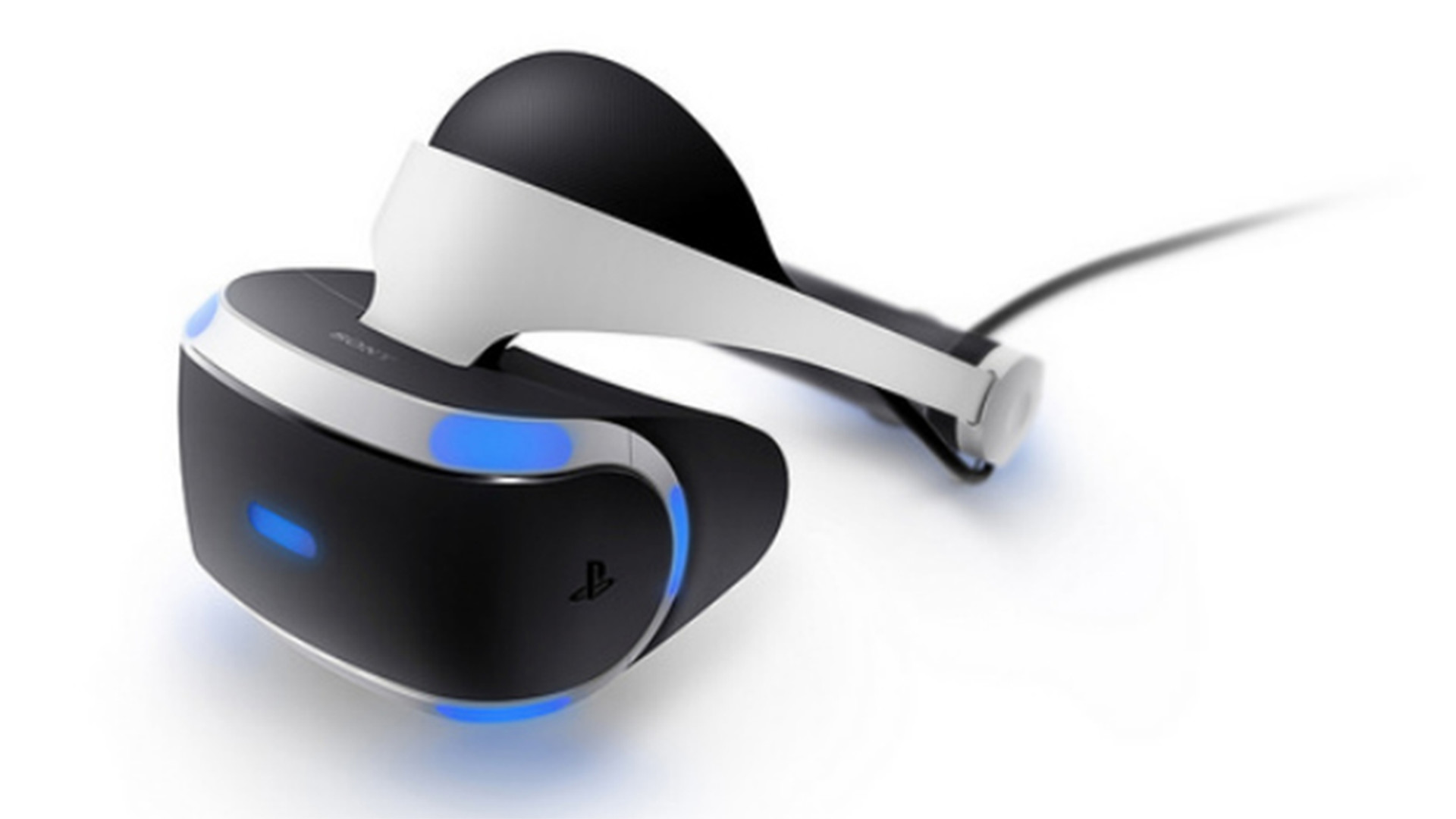
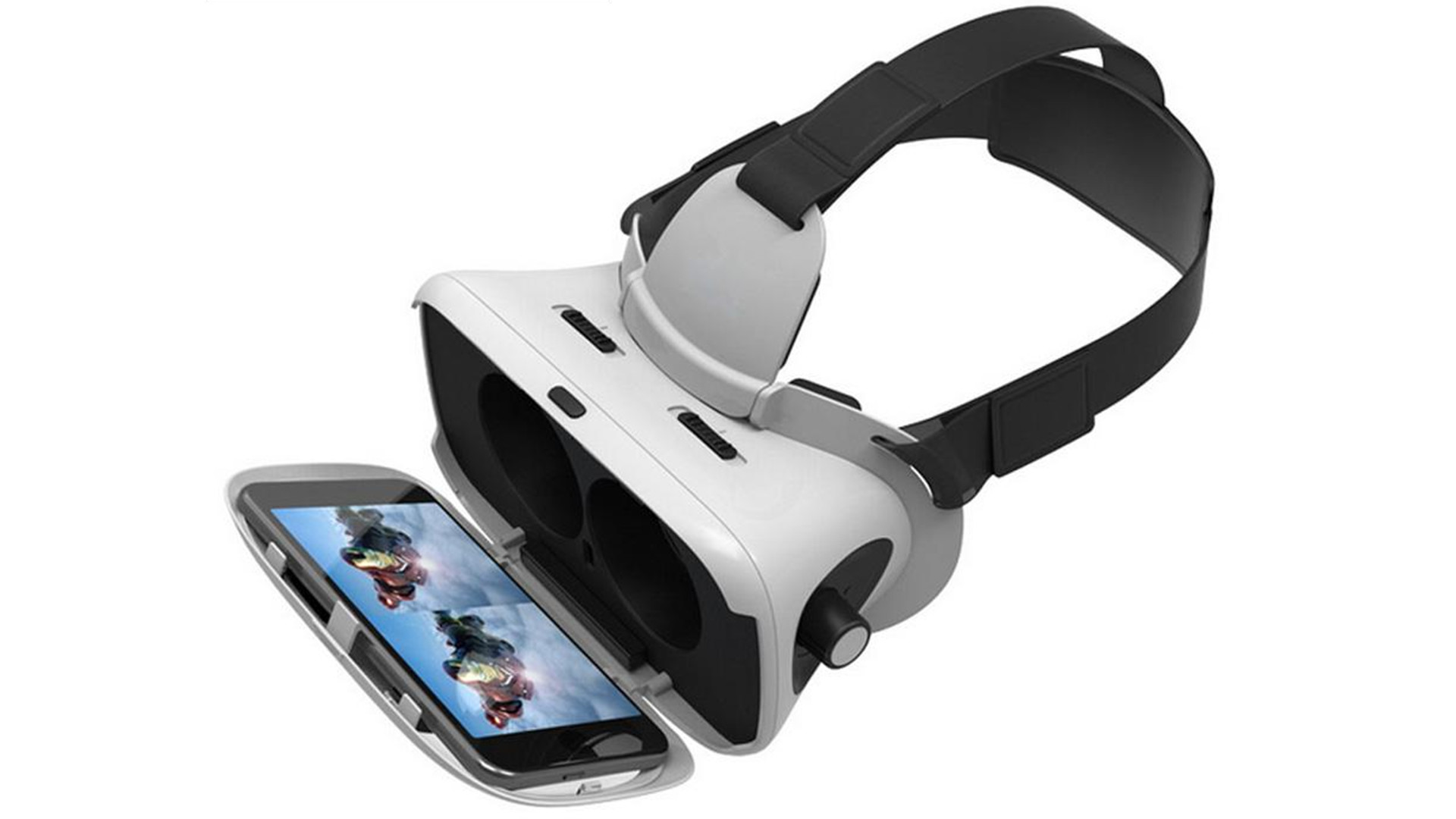
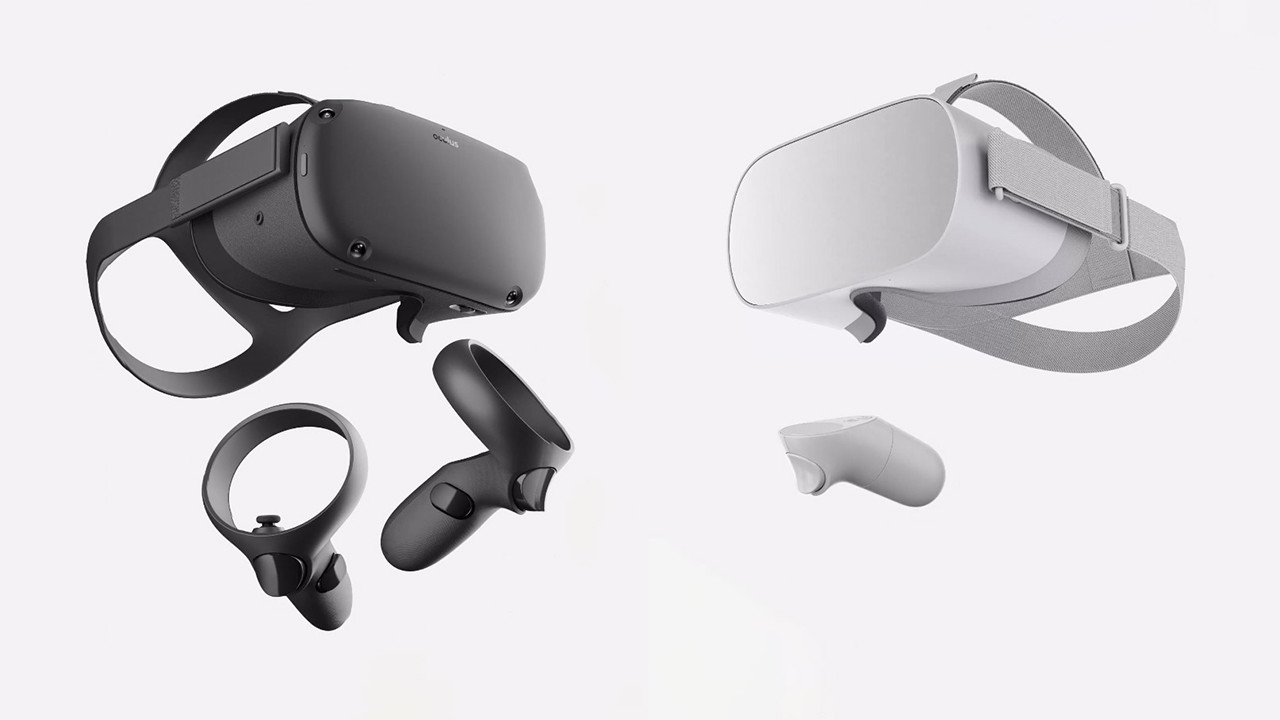
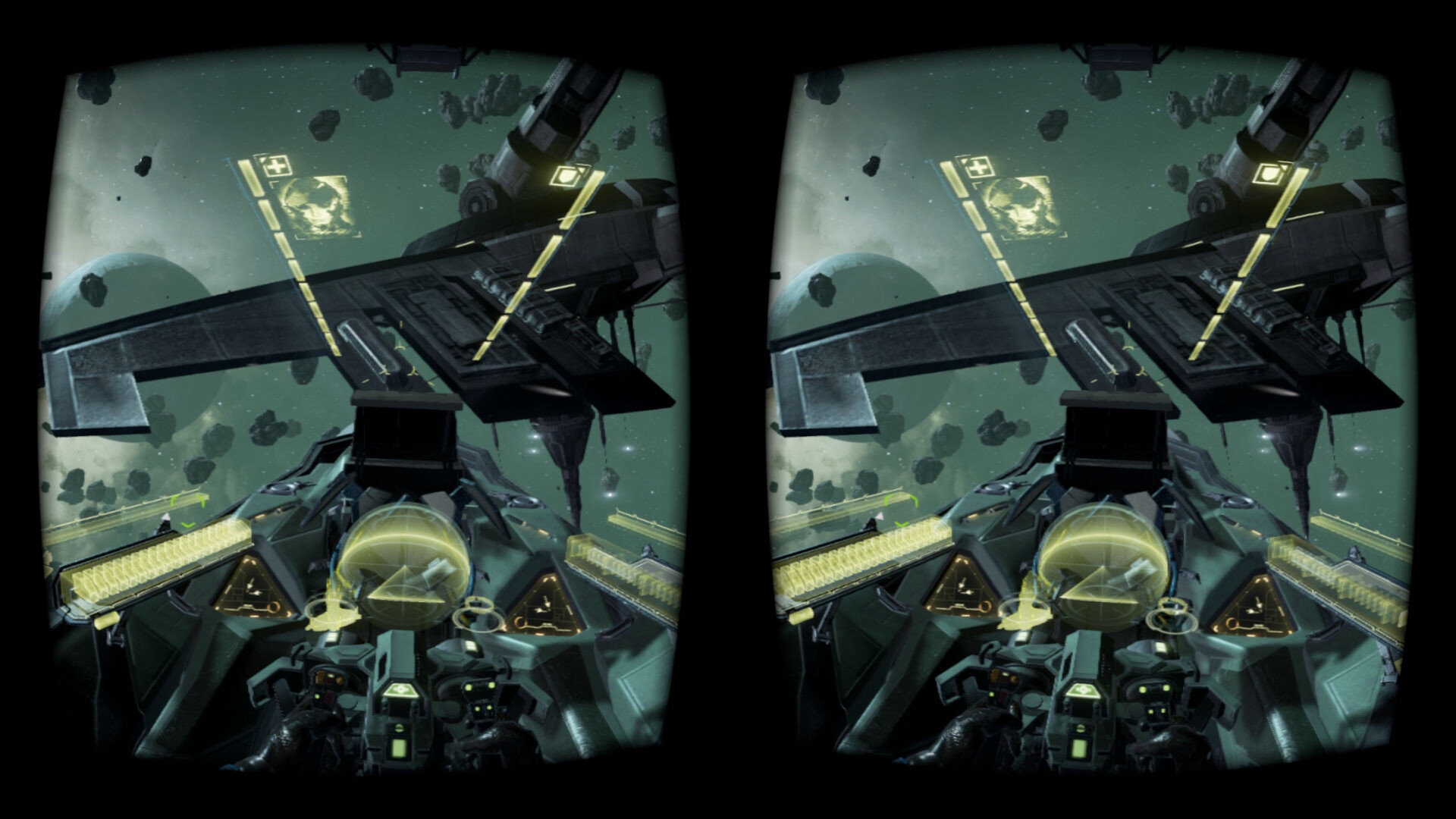
Demo This is the DEMO ("Lite") version of the iVRy Driver for SteamVR with Mobile Device, Samsung GearVR or Oculus/Meta Go/Quest, Pico, Vive Wave and Apple Vision Pro headset support. It has all of the features of "Premium" edition, but will start to reduce color saturation after being connected for more than 5 minutes. To remove this limitation when using the Android or iOS Mobile Device apps, upgrade to the "Premium" version via: iVRy Driver for SteamVR (Mobile Device Premium Edition) To remove this limitation when using the Samsung GearVR, Oculus Go or Meta/Oculus Quest headset app installed from Steam, upgrade to the "GearVR/Oculus Premium" version via: iVRy Driver for SteamVR (GearVR/Oculus Premium Edition) To remove this limitation when using the Oculus Quest "Lite" app, installed from Oculus App Lab, upgrade to the "Premium" version via the Oculus App Store. To remove this limitation when using the Pico headset app installed from Steam, upgrade to the "Pico Premium" version via: iVRy Driver for SteamVR (Pico Premium Edition) To remove this limitation when using the Vive Wave headset app installed from Steam, upgrade to the "Vive Wave Premium" version via: iVRy Driver for SteamVR (Vive Wave Premium Edition) To remove this limitation when using the Apple VisionPro headset app, upgrade to the "Apple Vision Pro Premium" version via: iVRy Driver for SteamVR (Apple Vision Pro Premium Edition) Android/iOS Mobile Device In order to use the iVRy Driver for SteamVR for Android and iOS Mobile Devices, you will need to download the 'iVRy' app from your Mobile Device's app store OR for Android Mobile Devices from: iVRy for SteamVR (Android/Daydream App Installer) GearVR/Oculus Go/Oculus/Meta Quest In order to use the iVRy Driver for SteamVR for Samsung GearVR or Oculus Go/Quest/Quest 2 headsets, you will need to install the iVRy GearVR/Oculus app from: iVRy for SteamVR (GearVR/Oculus
Set up your PC profile to see if you can run this game.
Community Reported FPS
No community FPS reports yet for this game — be the first to share yours!
Sign in to submit your FPSTrailer
Screenshots
System Requirements
Minimum
OS: —
CPU: Intel® i5-4590 / AMD FX 8350 equivalent
GPU: NVIDIA GeForce® GTX 970 / AMD Radeon™ R9 290 equivalent
RAM: 8 GB
Storage: 40 GB
Recommended
OS: Windows 10
CPU: Intel® i5-4590 / AMD FX 8350 equivalent or greater
GPU: NVIDIA GeForce® GTX 970 / AMD Radeon™ R9 290 equivalent or greater
RAM: 8 GB
Storage: 40 GB