OVR Toolkit - Desktop Overlay
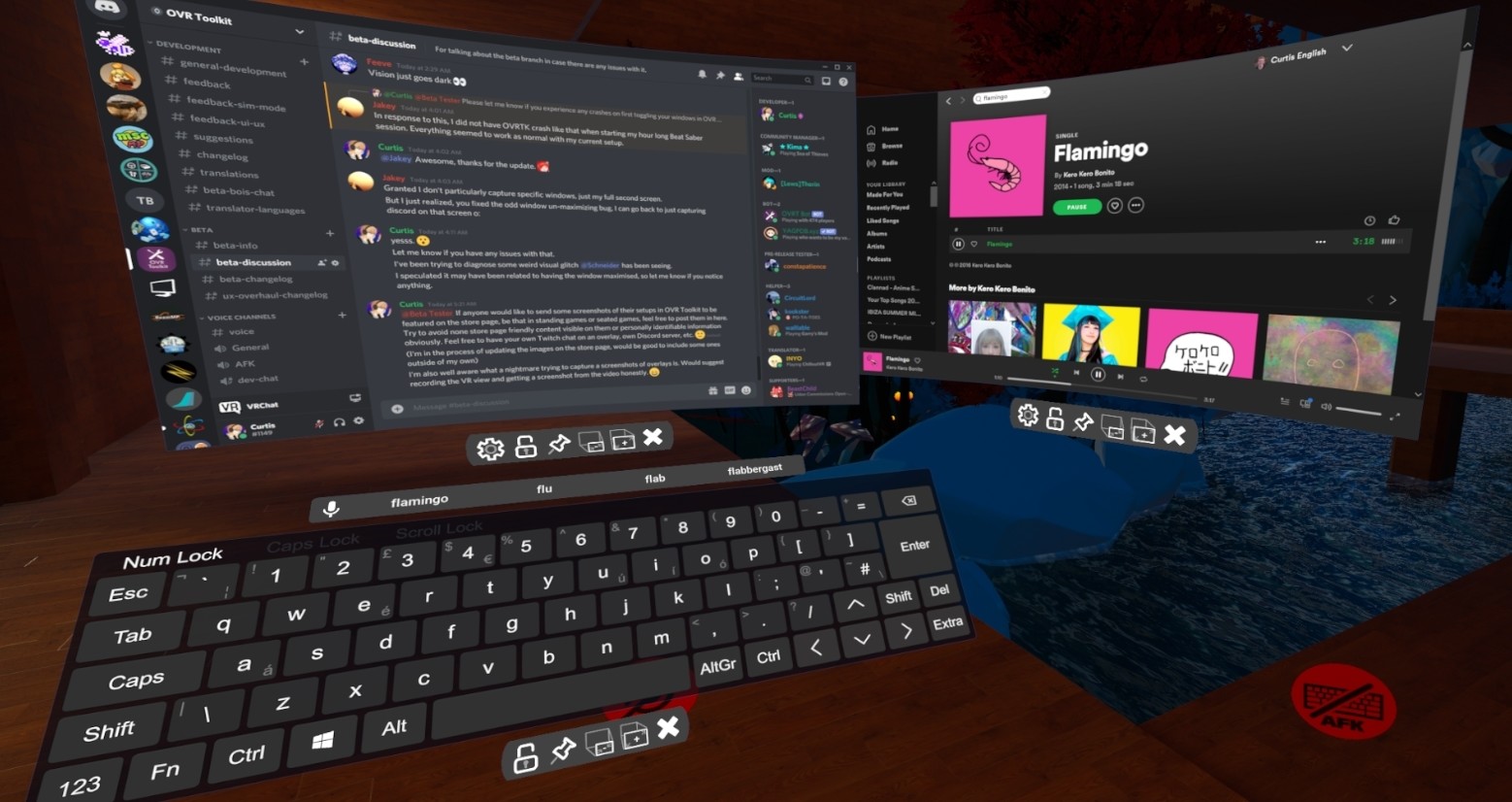
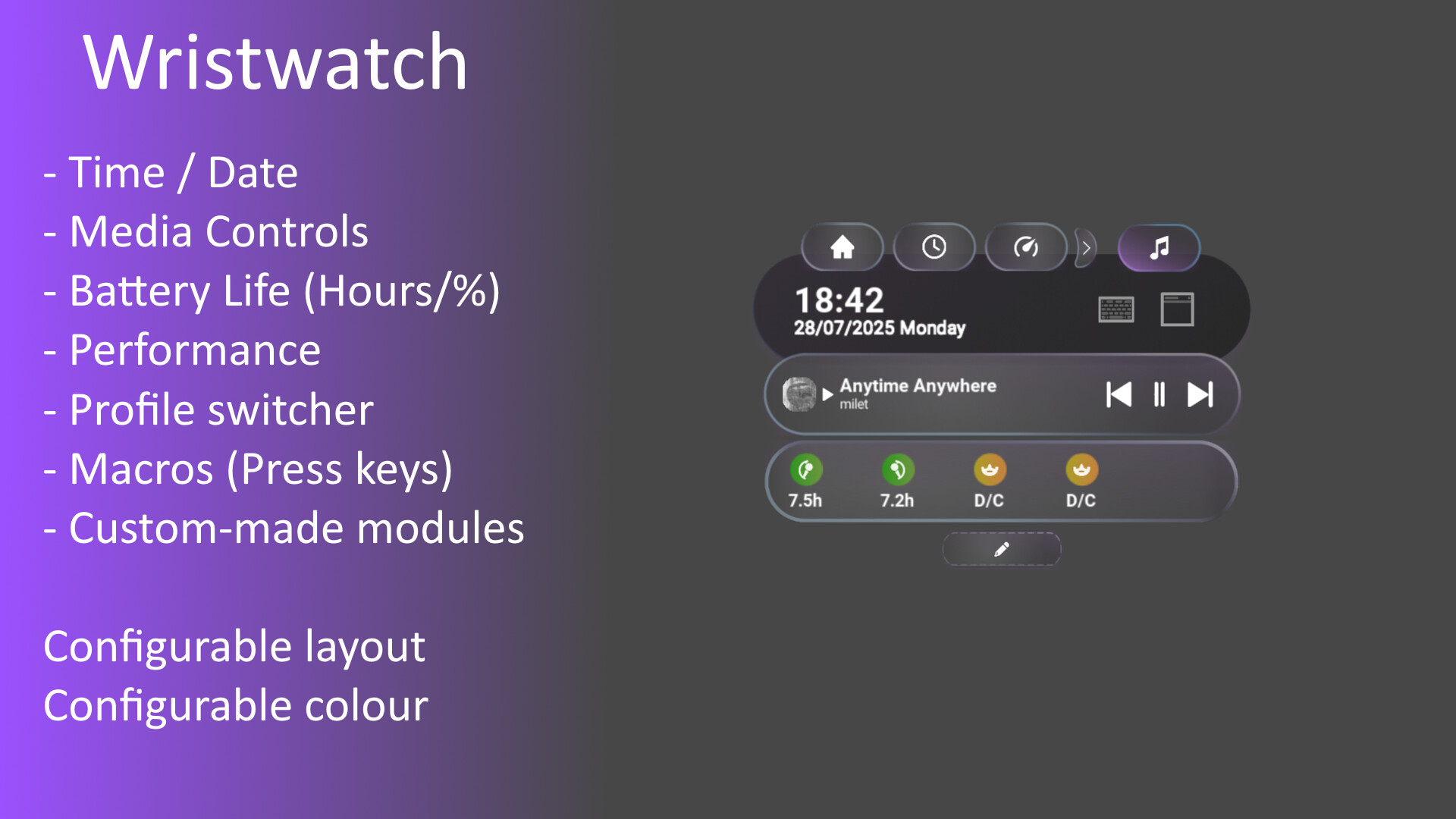
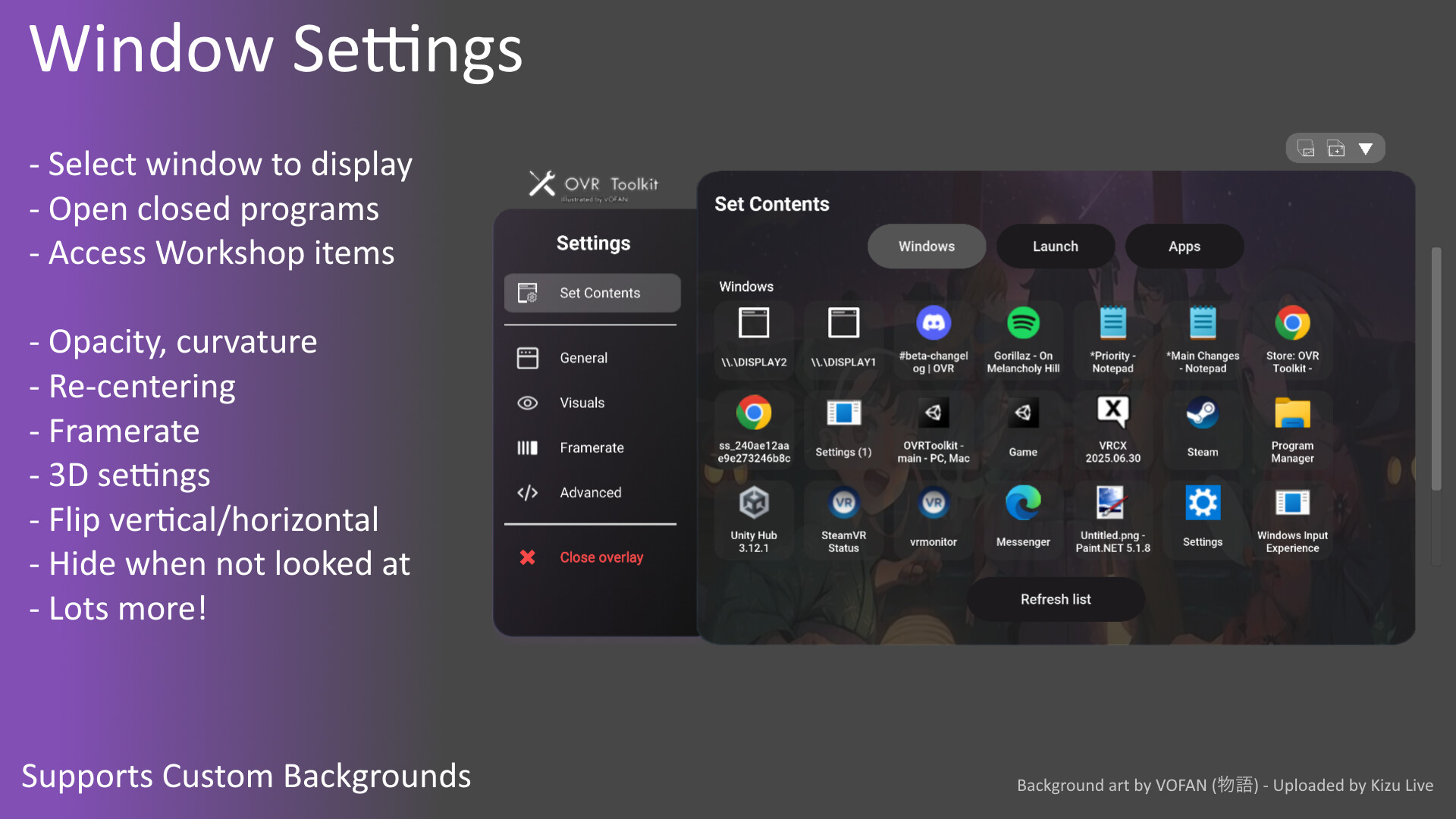
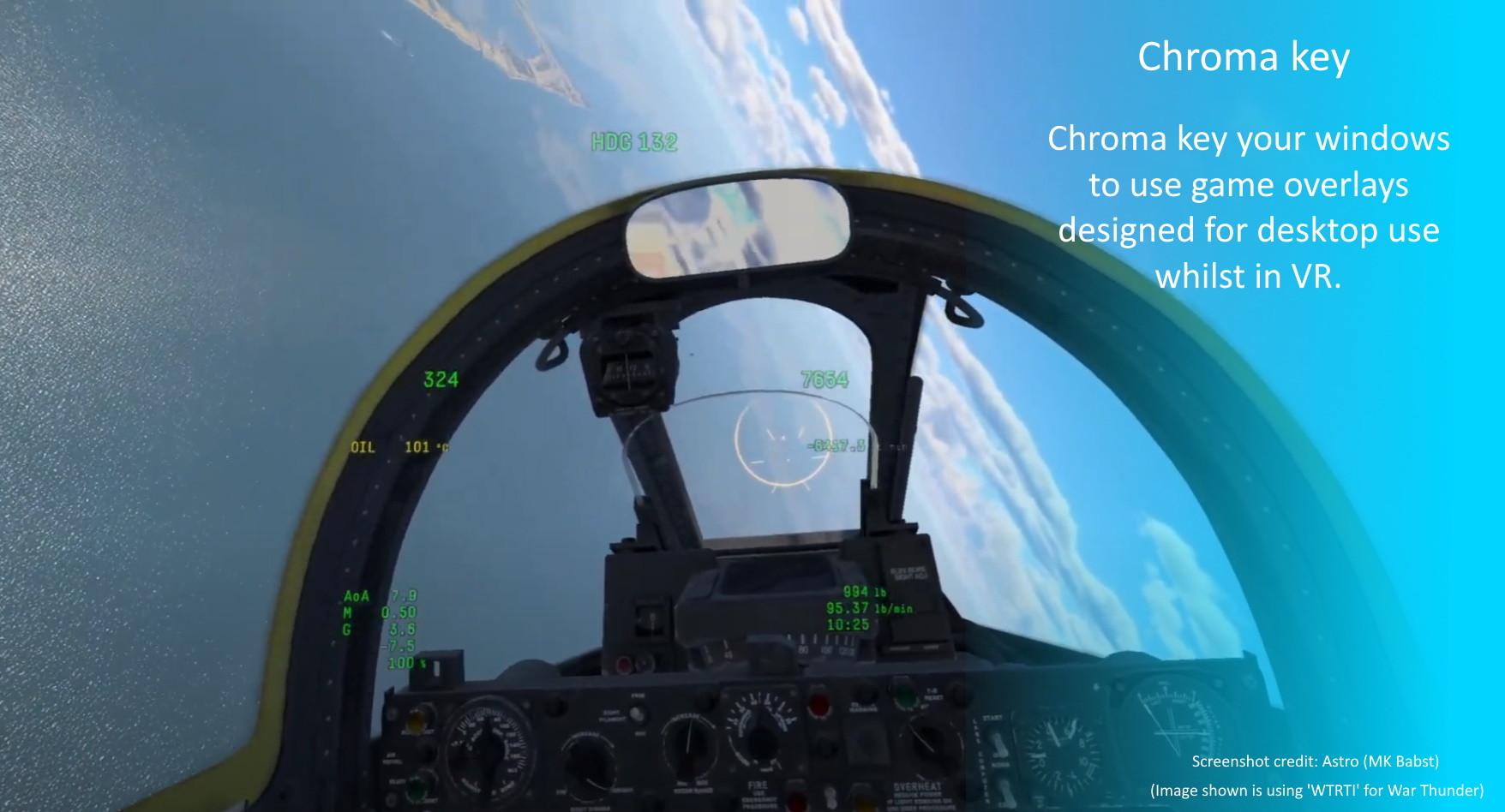
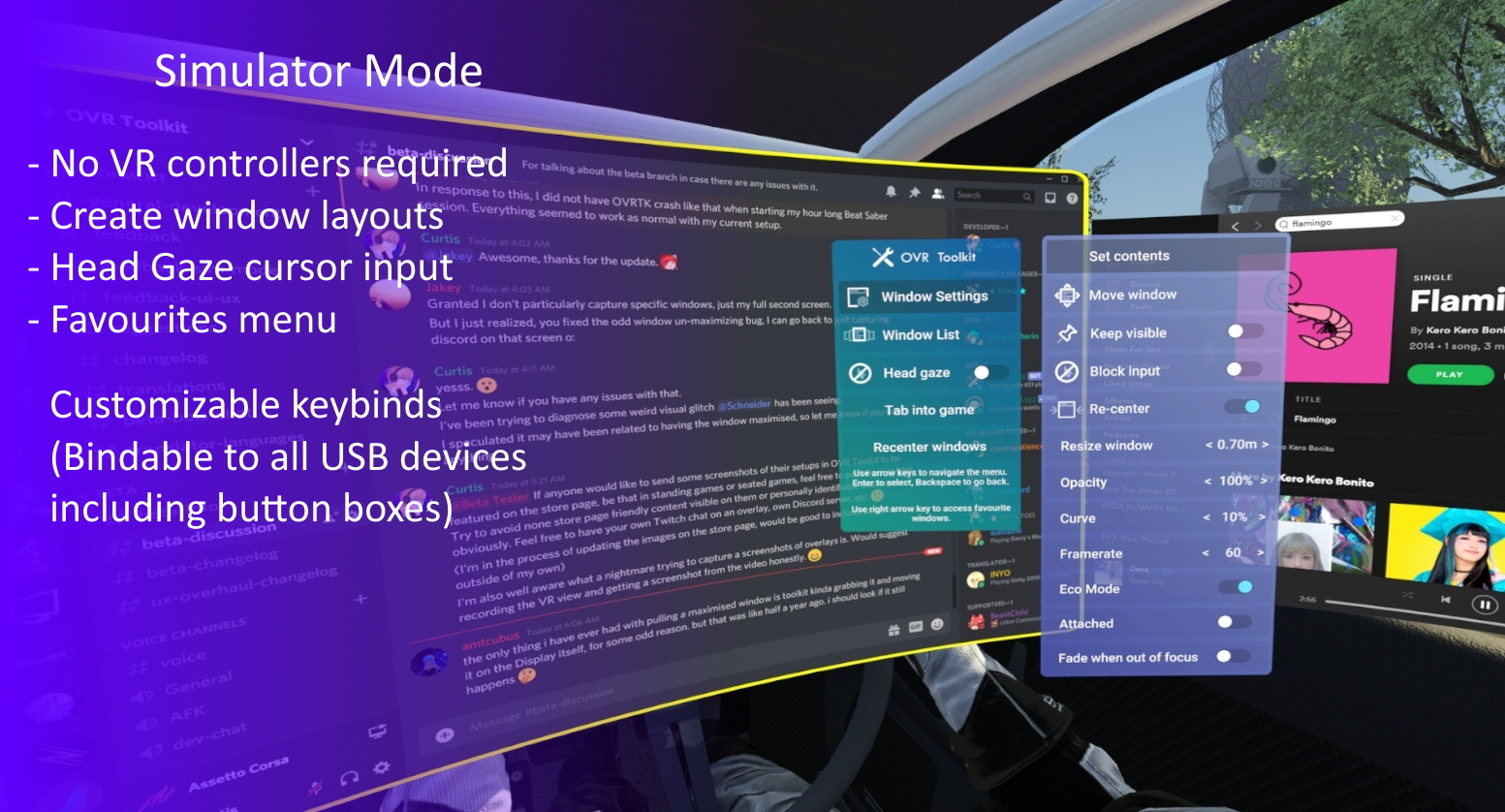
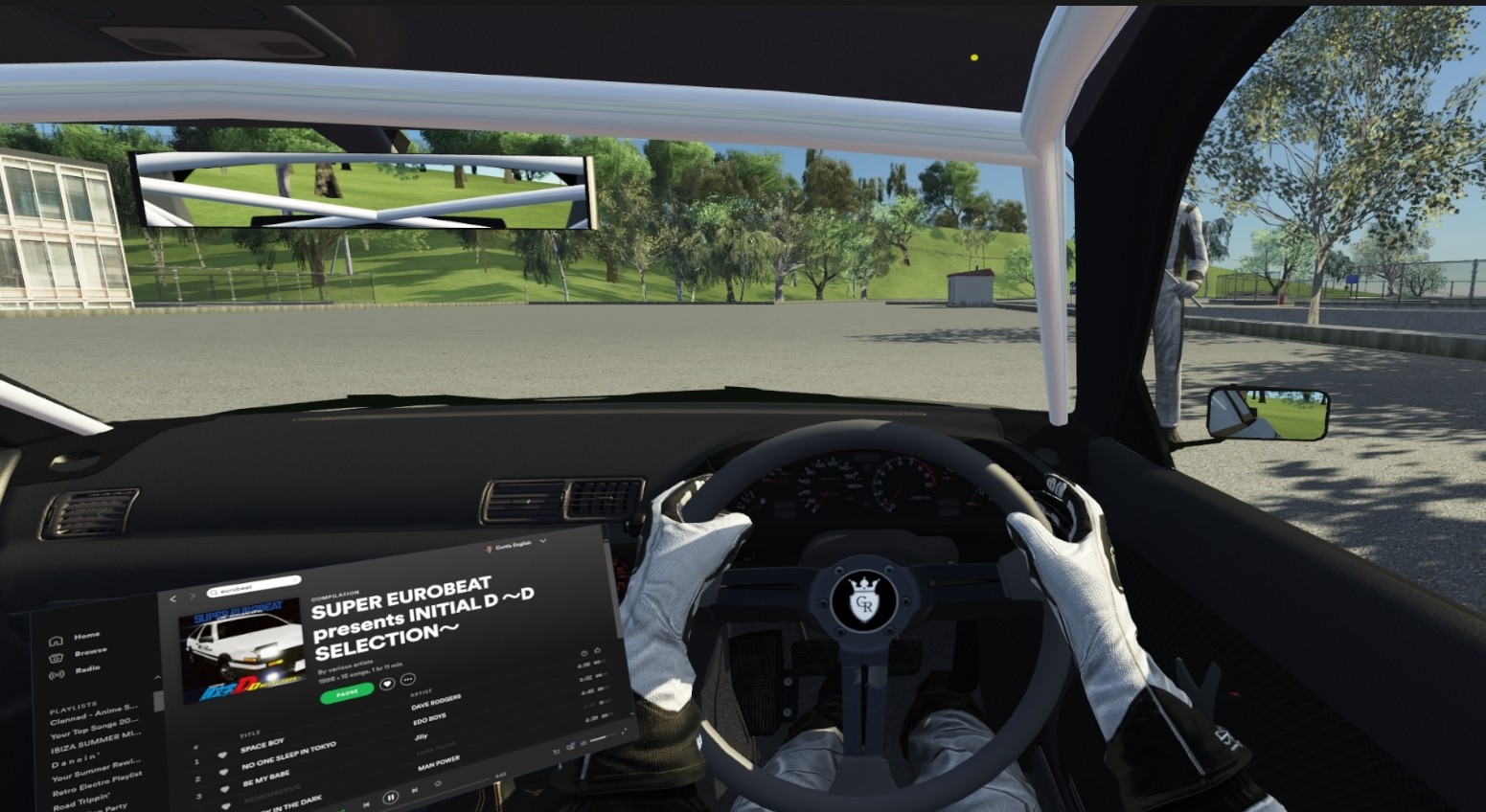
** Please read this section before purchasing! ** - OVR Toolkit *only* supports Windows 10 and 11! Not Windows 7 or Windows 8. Windows 8.1 'may' work but is unsupported! - OVR Toolkit *requires* you to have a Windows account with admin permissions and that you run Steam on this same account. - Oculus users may experience decreased performance as games are required to be ran through SteamVR rather than Oculus Runtime. (Read the 'Important Stuff' section!) Oculus Rift/S or Oculus Quest/2 users - Read the 'Important Stuff' section before purchase! Overview OVR Toolkit is a SteamVR Overlay utility designed to make viewing the desktop within VR easy and intuitive. OVR Toolkit allows you to display specific desktop windows, quickly select between them, use intuitive controls to navigate those windows, and use a virtual keyboard to type. Ever wanted to reply to Discord messages without taking off your headset or looking through a nose piece? Ever wanted to pause that song you're listening to without fumbling around on your keyboard? Now you can with ease! OVR Toolkit is compatible with all SteamVR compatible headsets. The utility is being built with the Vive/Vive Pro, Valve Index, and Oculus Rift/Rift S in mind though WMR headsets are compatible too. (Compatible controllers require a trigger and grip) Features Overlays over almost all SteamVR applications: OVR Toolkit will display on top of all your favorite titles! (VRChat, Beat Saber, mostly all SteamVR titles, etc.) Desktop window viewing: Allows you to select a desktop window and display it above your hand, or pin it in the world around you. Multiple desktop windows: Create multiple different windows and place them in the world around you. Attach windows to tracked devices: You can make windows move around with either your left or right controllers, headset, or have them stationary in the world. Curved overlays: Improves readability of large windows in VR by wrapping them around you by a configurable amount? Now you ca
Set up your PC profile to see if you can run this game.
Community Reported FPS
No community FPS reports yet for this game — be the first to share yours!
Sign in to submit your FPSTrailer
Screenshots


System Requirements
Minimum
OS: Windows 10 / 11
CPU: Core i5 / Ryzen 3
GPU: GPU with 6GB VRAM or higher (GTX 1060 6GB) - This number is for running OVR Toolkit alongside a VR game
RAM: 4 GB
Storage: 800 GB
Recommended
OS: Windows 10 / 11
CPU: Core i7 / Ryzen 5
GPU: GPU with 8GB VRAM or higher (GTX 1080 8GB, RTX 2070) - This number is for running OVR Toolkit alongside a VR game
RAM: 4 GB
Storage: 800 GB