Oblivity - Find your perfect Sensitivity
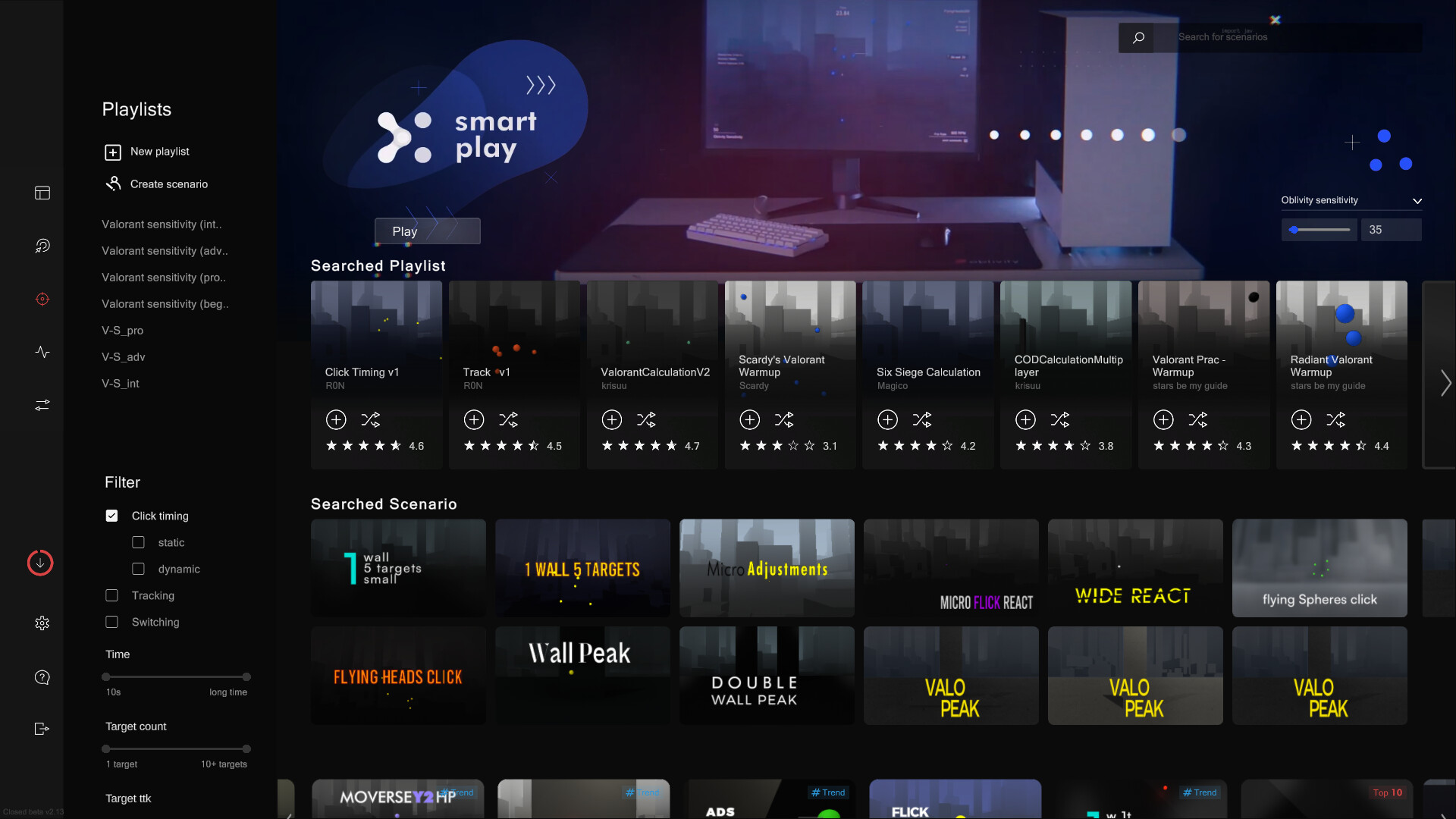
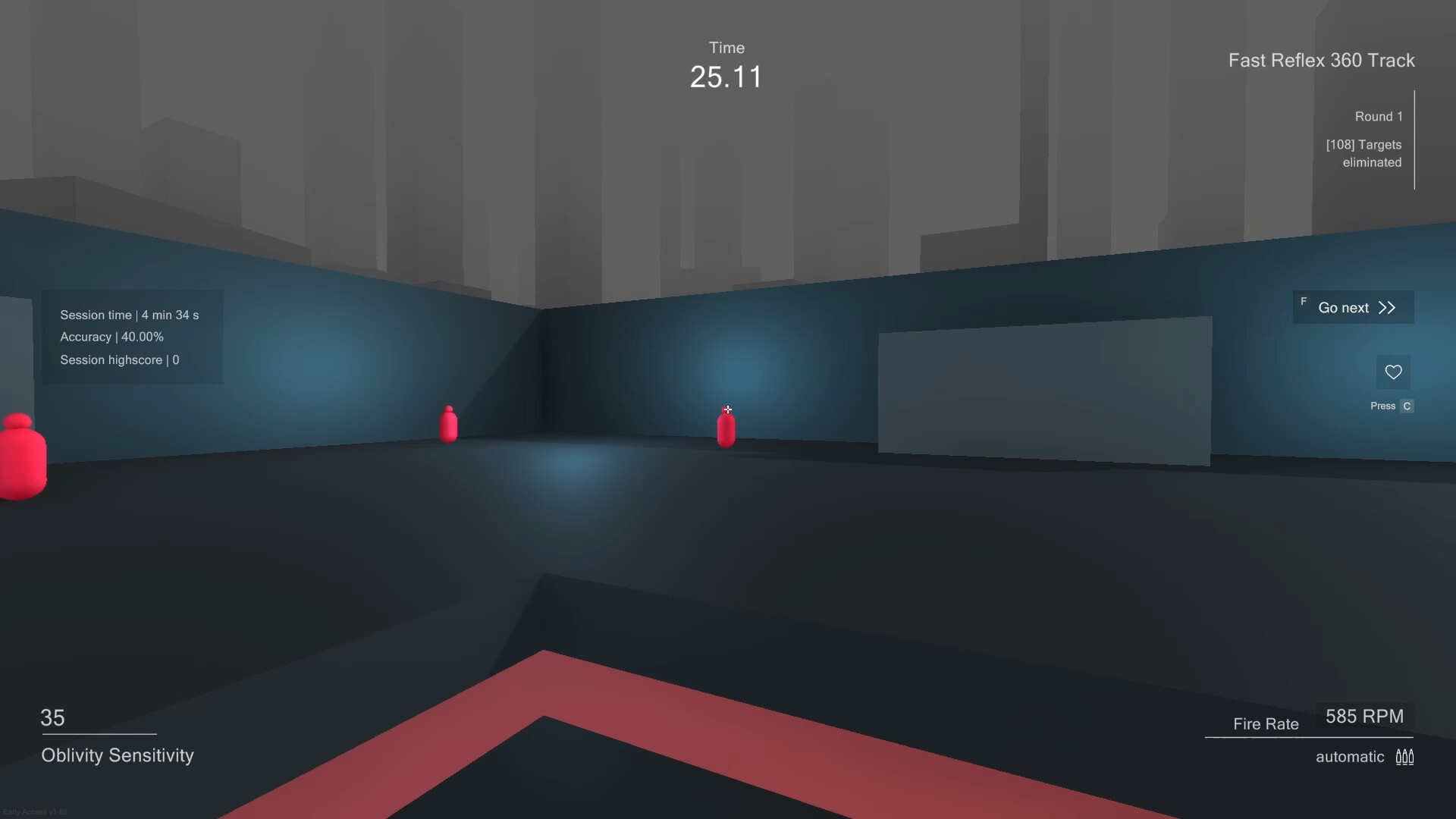
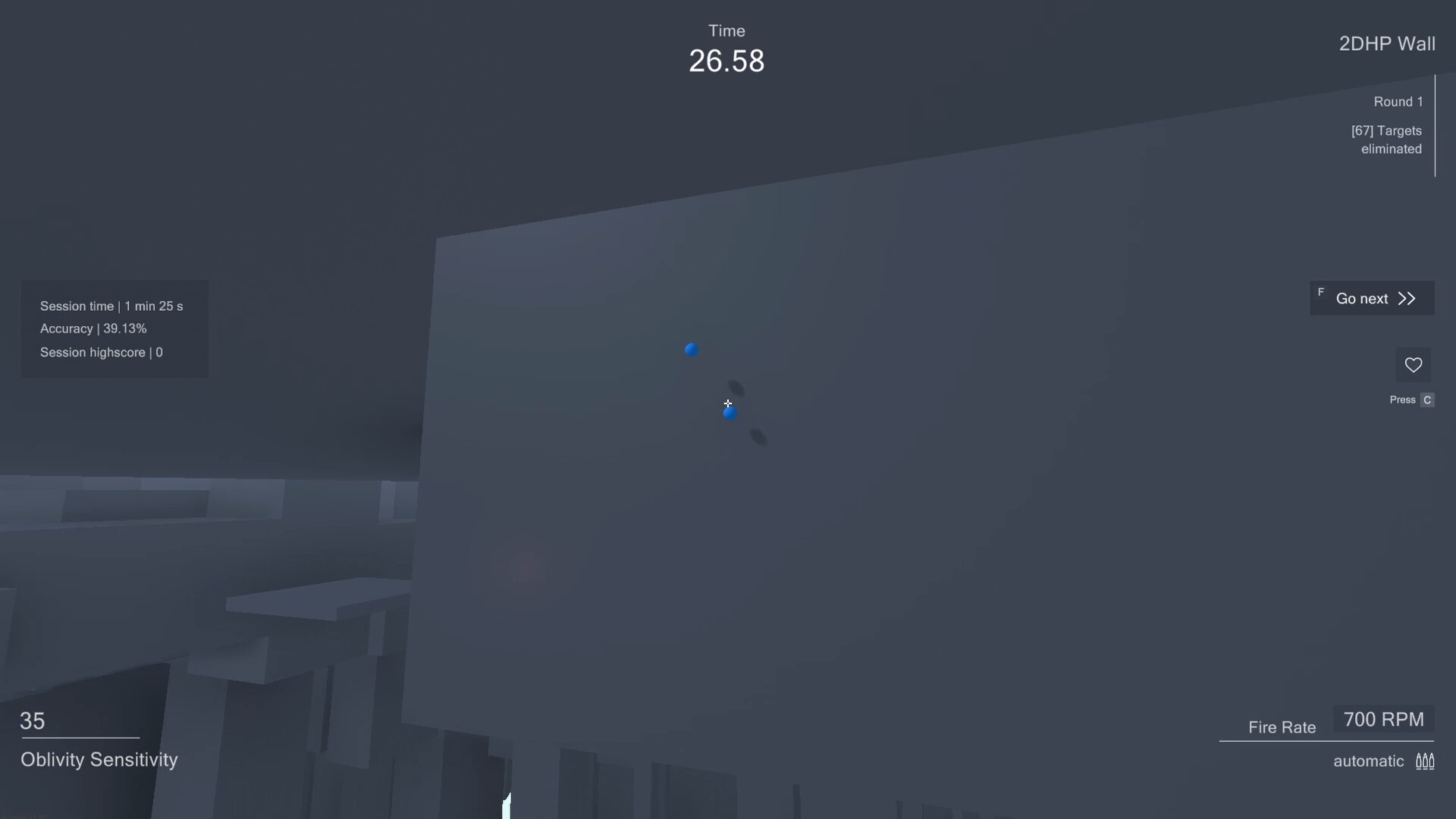
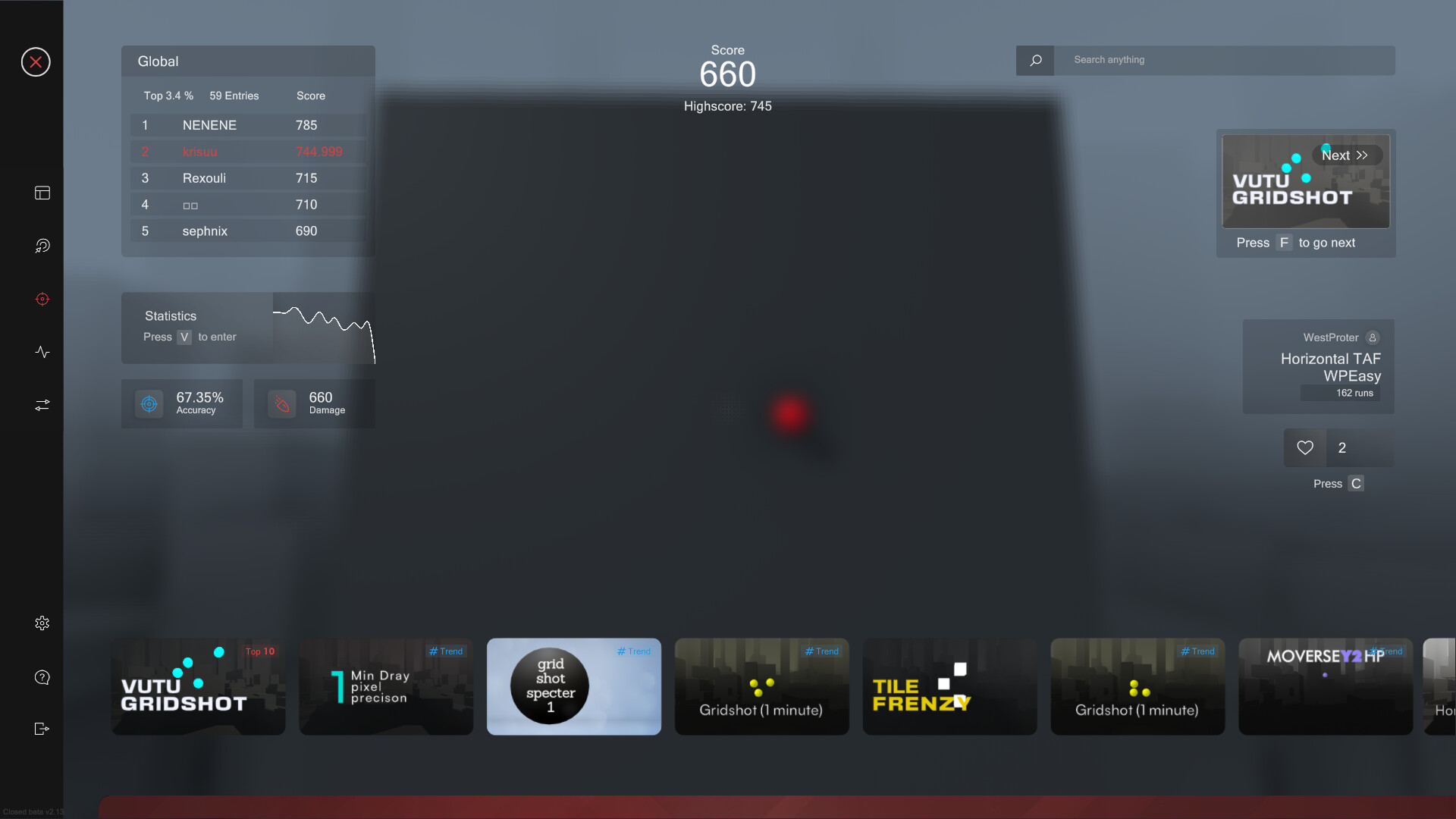
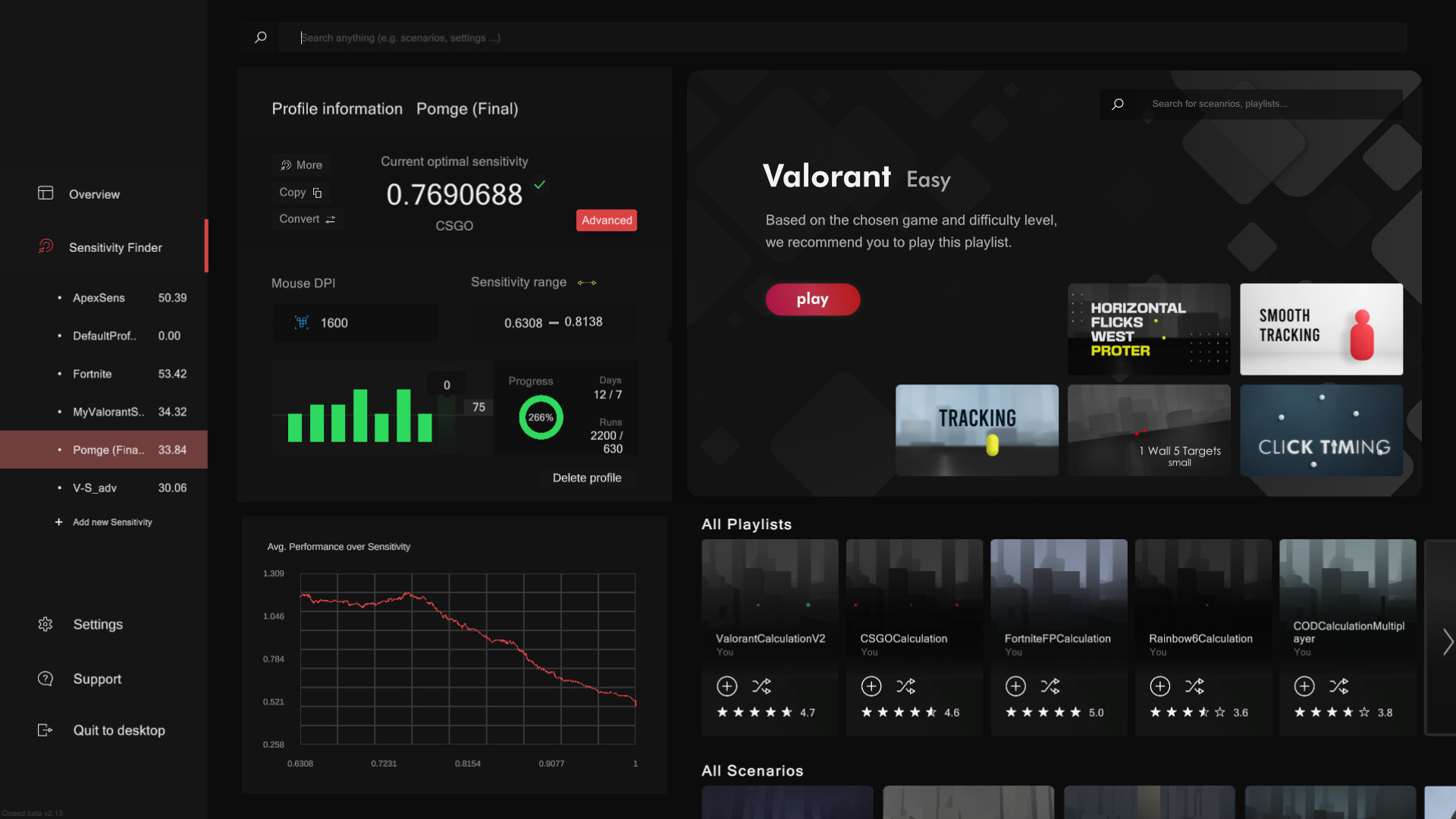
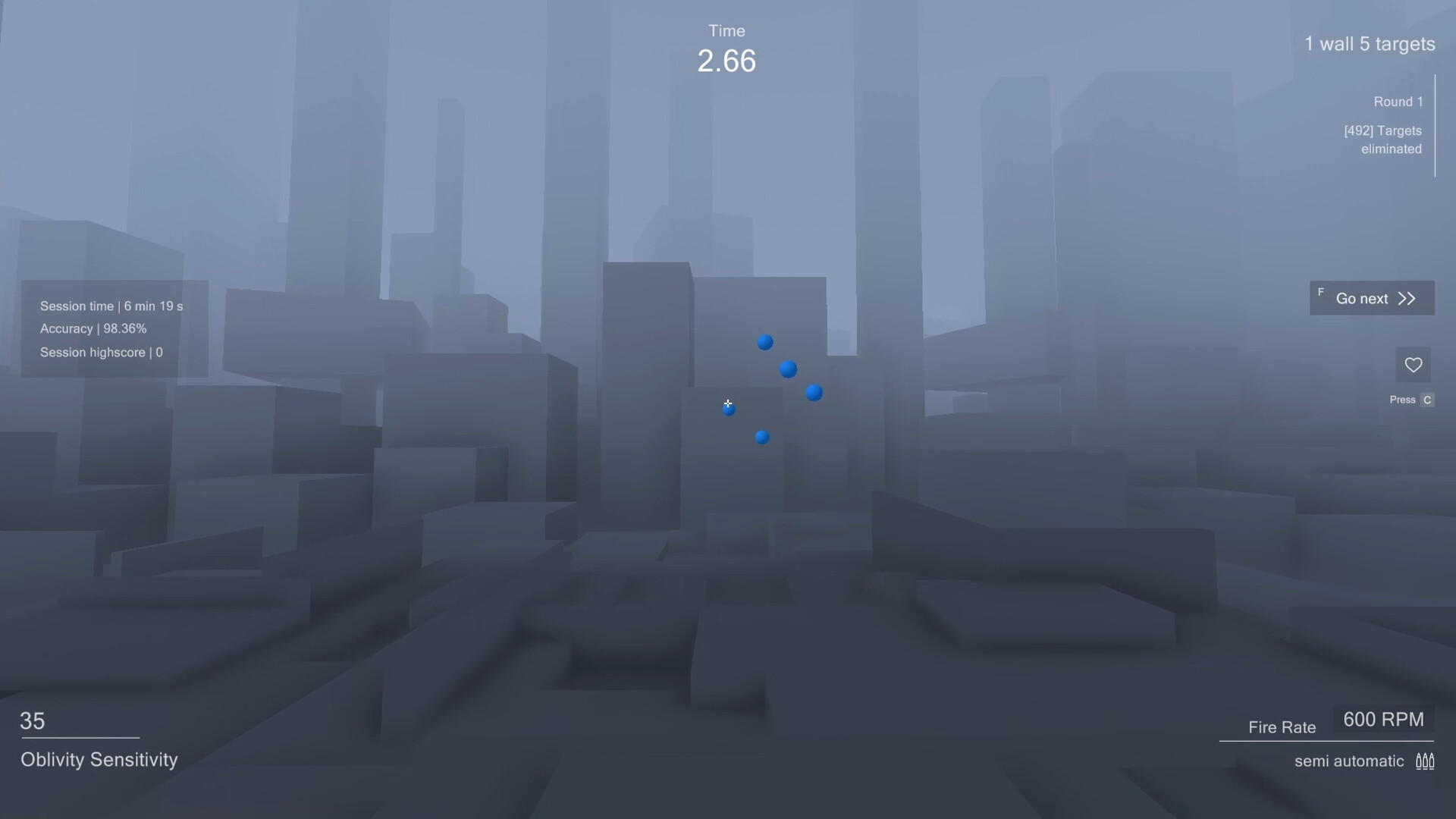
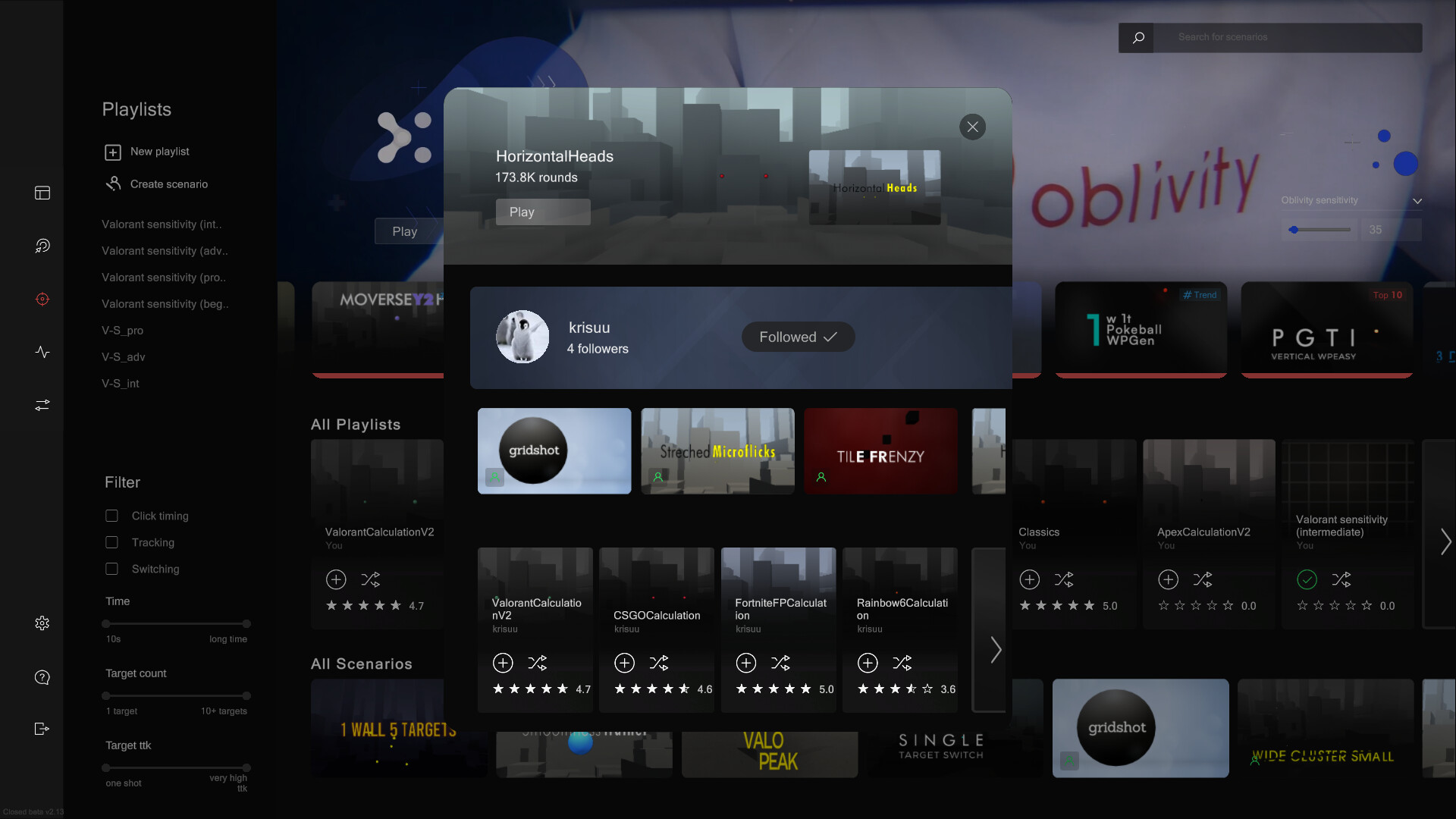
Aim Trainer: In Oblivity's trainer you can try out your new mouse sensitivity right away. You will find anything in the continuously growing online library of scenarios and playlists. How high can you climb the leaderboards against other players and your friends? You can also create scenarios yourself, upload them and share them with the Oblivity community. Special aim training technies such as mouse pathing or metronom aiming are supported as well. Sensitivity Finder: The sensitivity finder is a unique feature Oblivity is especially known for. It will help you to find an optimal mouse sensitivity for your favourite game! You play a selection of scenarios matching your selected FPS game. Each round your mouse sensitivity changes. Oblivitys algorithm tracks your performance and mouse movement data to determine the sensitivity you perform best with. Over a longer playtime, Oblivity can collect enough data to show you exactly how well you perform on different mouse sensitivity levels. Smart Play: Smart Play is the perfect place to discover new scenarios. Just click "Next" and we will pick the following scenario based on your liking and preferences. Analysis: After your training session, you can immediately view the statistics of your runs in the analysis section. Oblivity provides as much data as possible to show where you have weaknesses and do aiming mistakes. This includes the usual information like accuracy, mouse speed and score. But you will also see data such as the deviation from the ideal aiming path, overshoot, undershoot or aiming smoothness. Replay: Every run can be rewatched with the replay tool. The timeline shows, where you did which mistake. Be it over- undershooting the deviation or your overall performance. The playback speed can be adjusted to any level. You can also turn on onscreen indicators that show your aim line compared to the optimal aiming path. Converter: Oblivity also offers a converter. It is not only intended to convert your ne
Set up your PC profile to see if you can run this game.
Community Reported FPS
No community FPS reports yet for this game — be the first to share yours!
Sign in to submit your FPSTrailer
Screenshots


System Requirements
Minimum
OS: Windows 10
CPU: Intel Core i3
GPU: GTX 560
RAM: 4 GB
Storage: 600 GB
Recommended
OS: Windows 10
CPU: Intel Core i5
GPU: GTX 960
RAM: 6 GB
Storage: 1 GB