Controller Companion
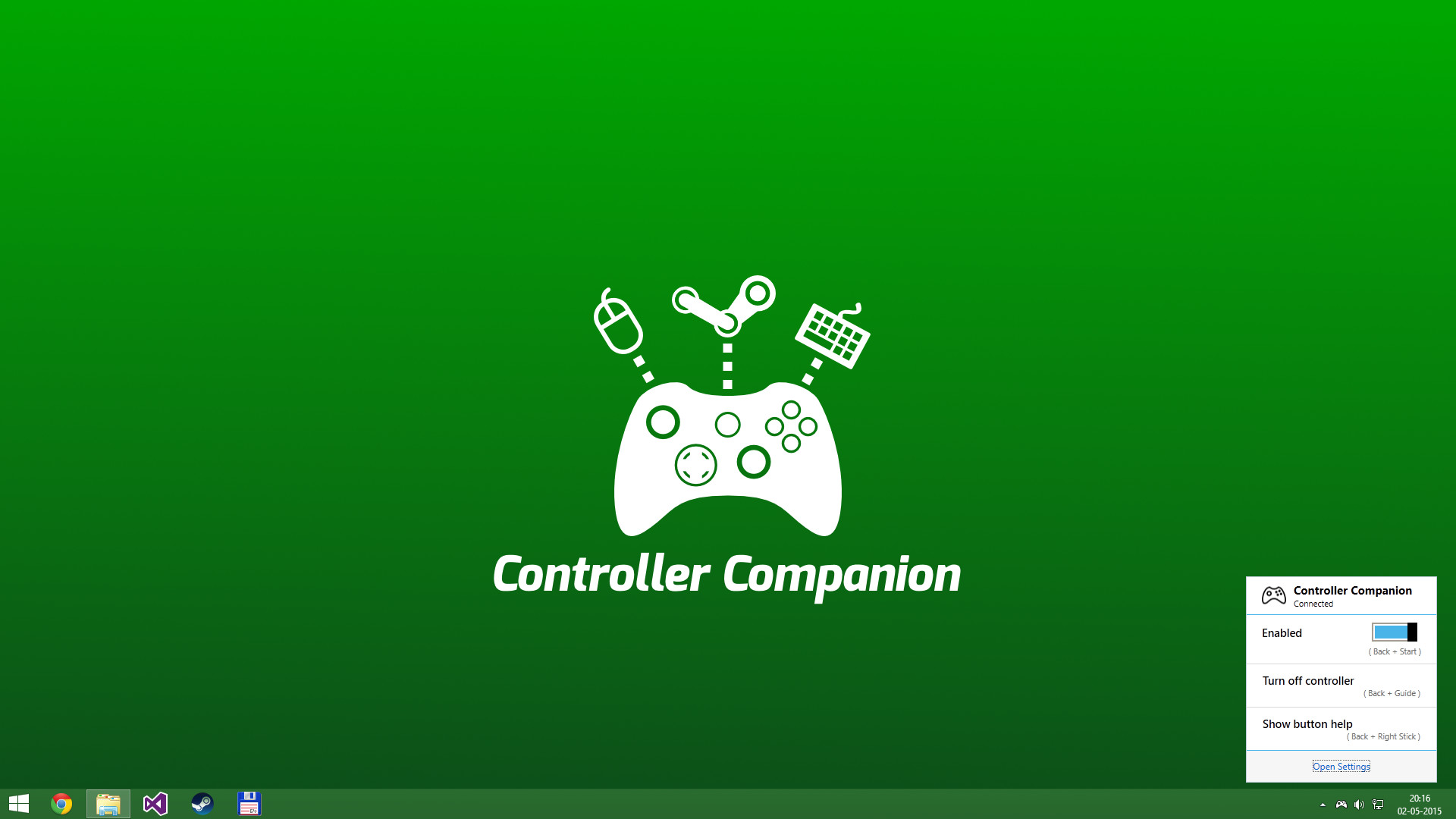
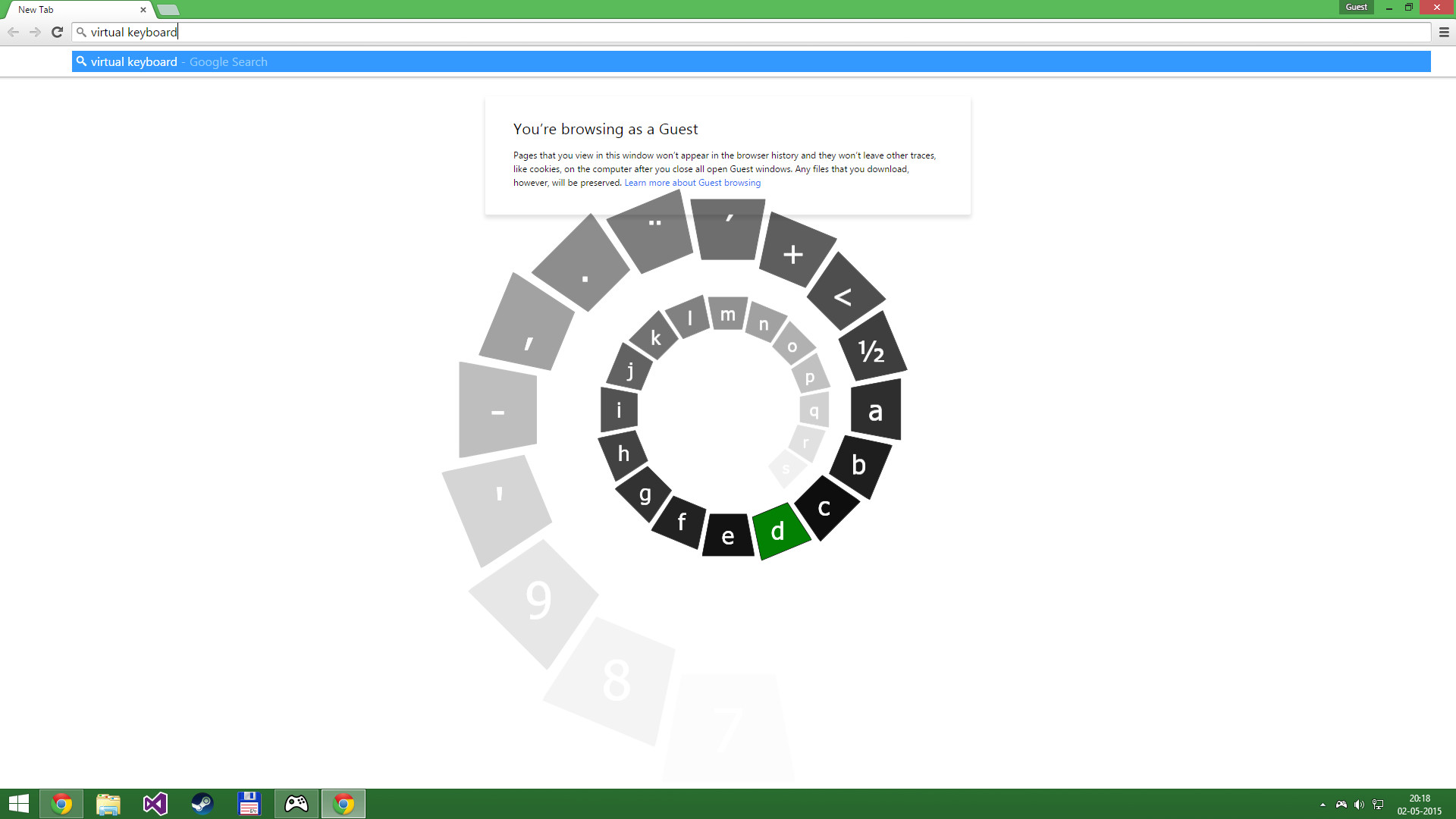
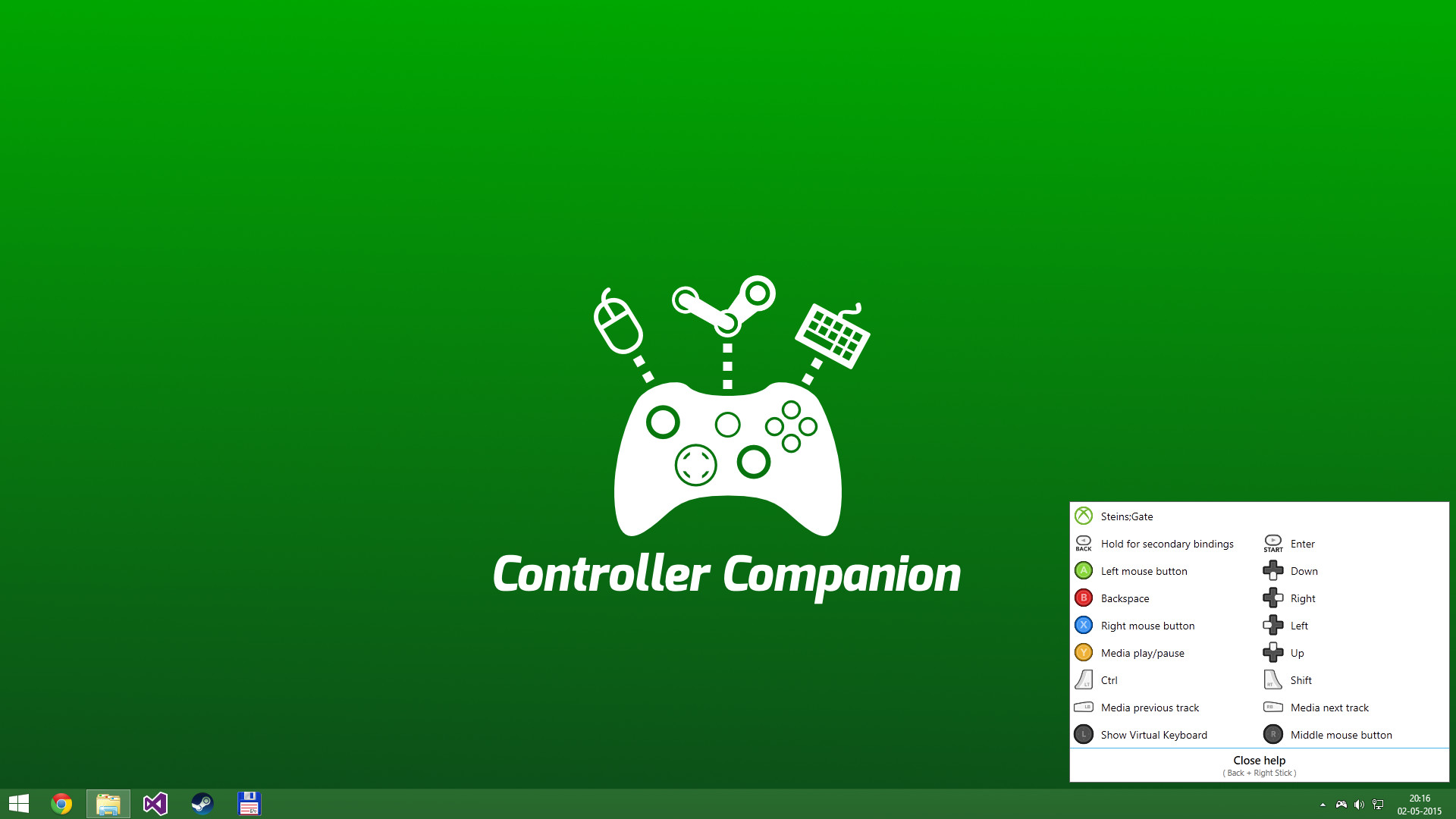
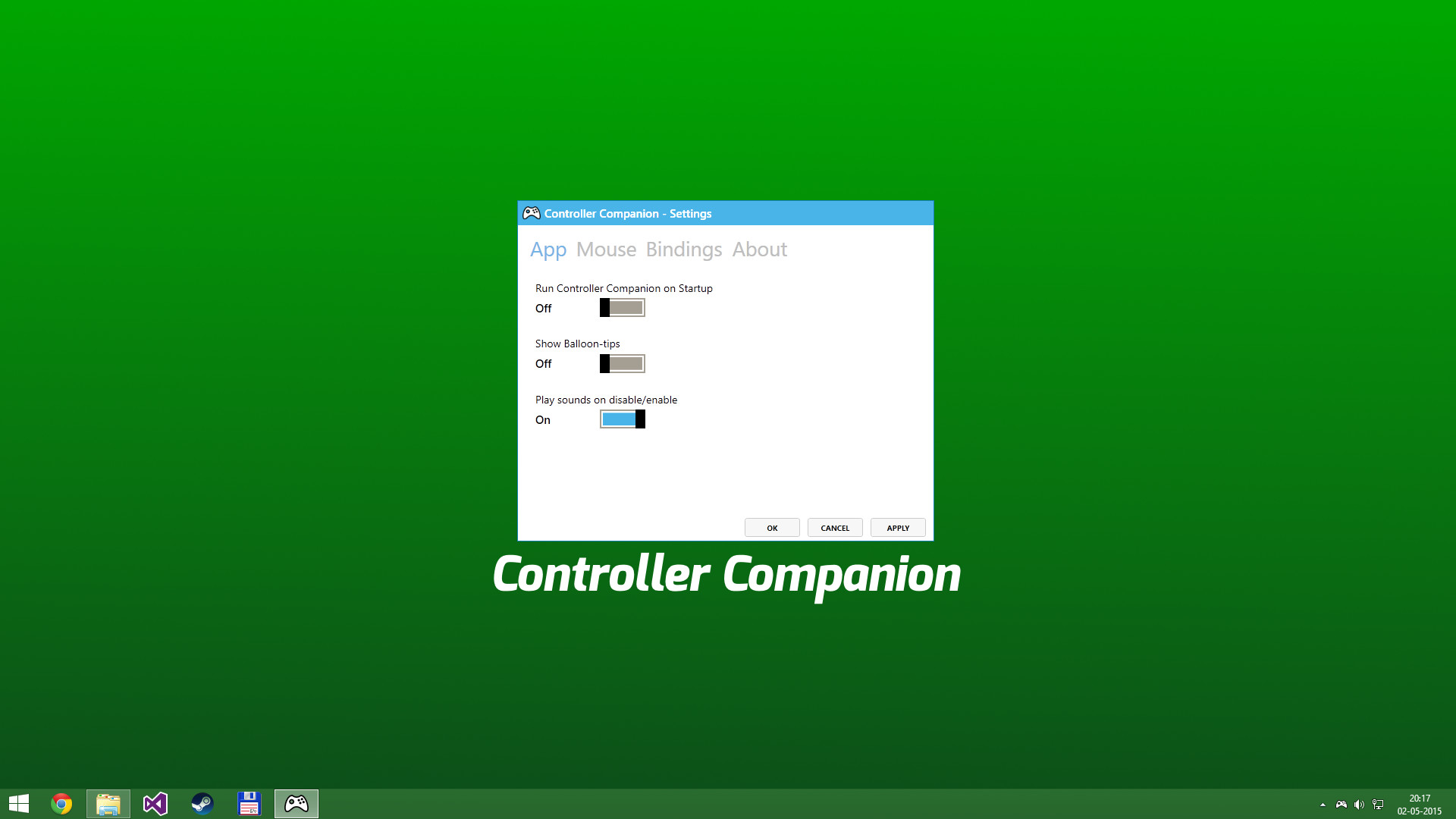
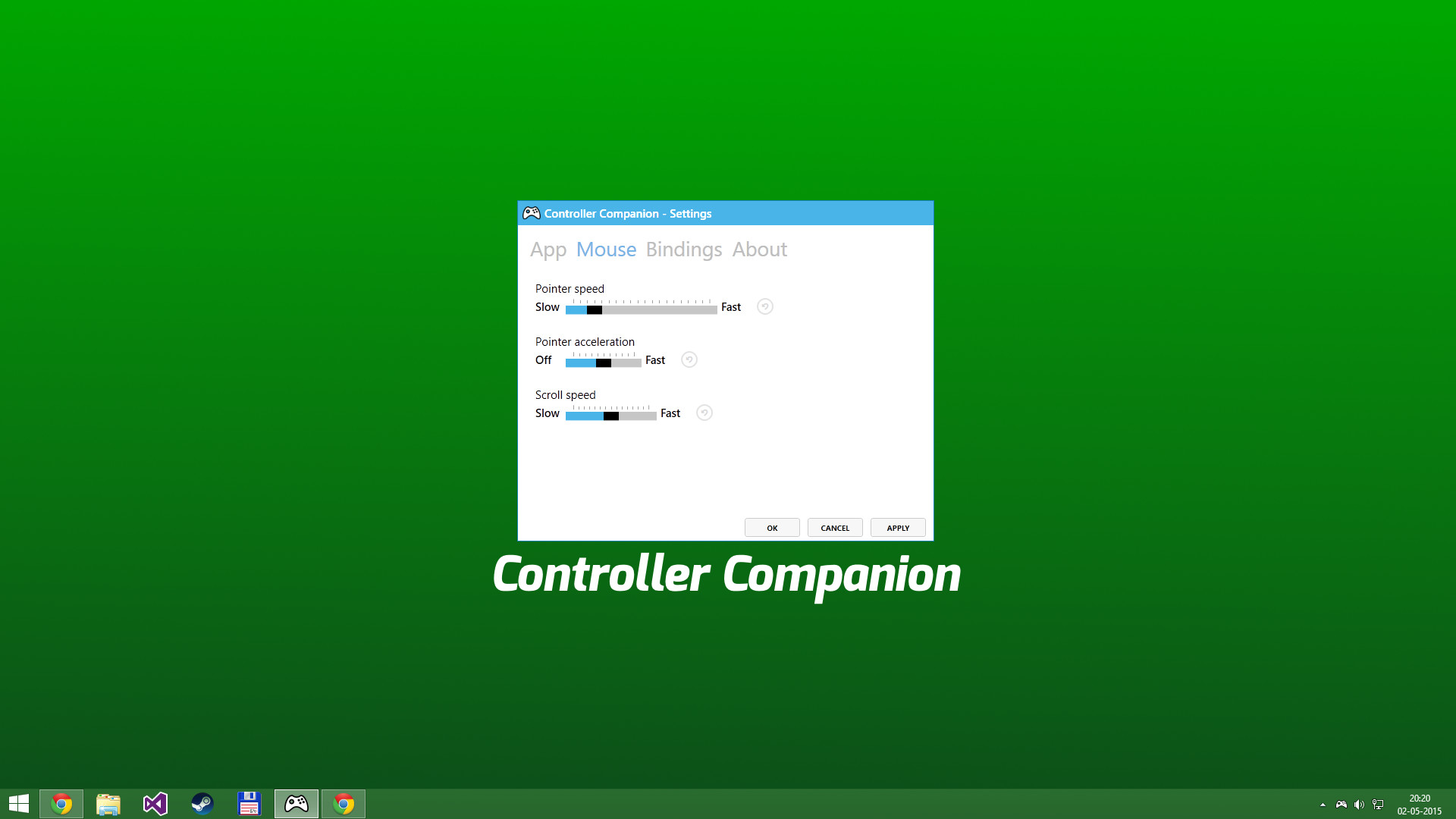
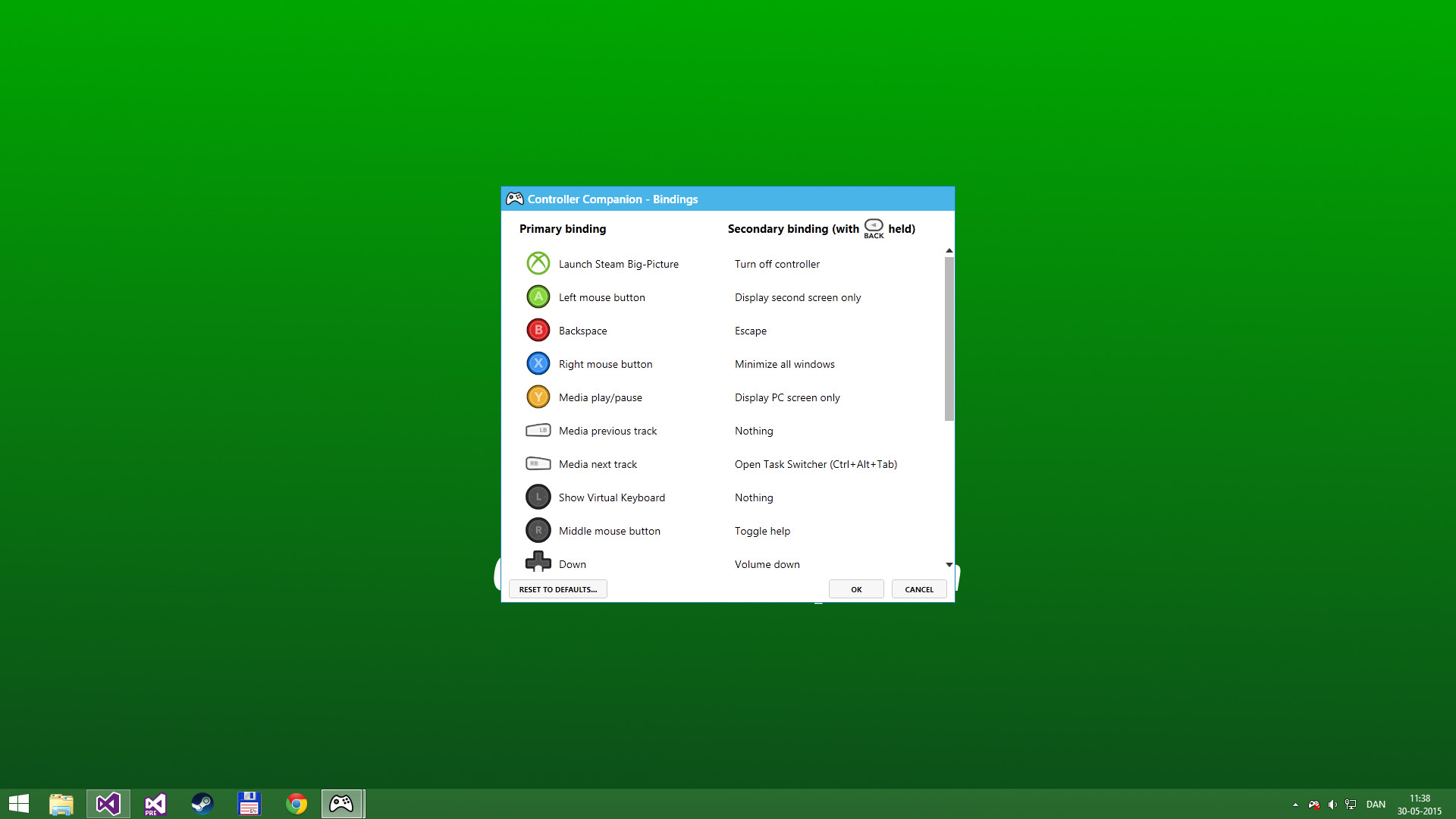
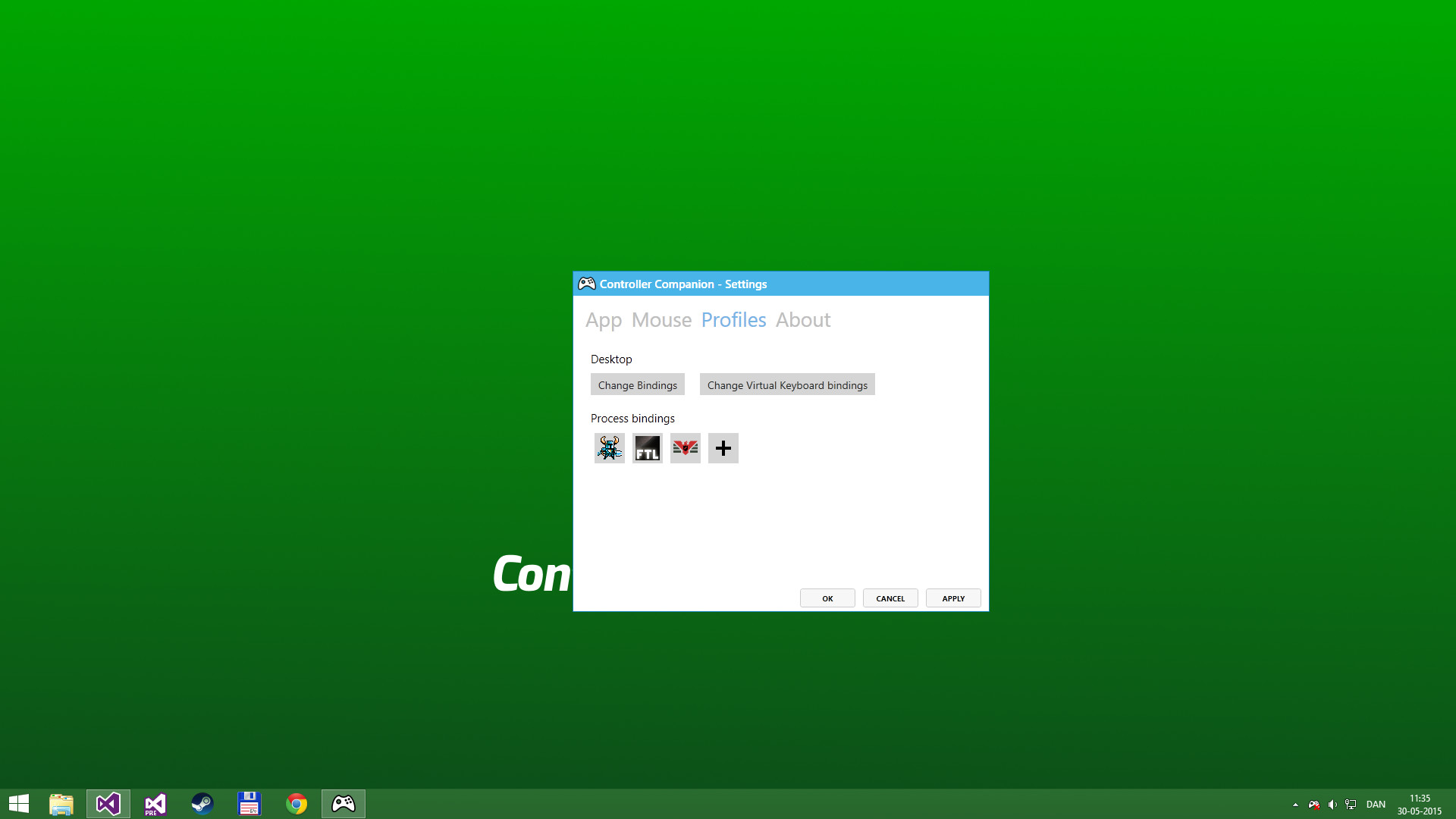
Use your controller even when you're not in-game or in Big Picture. Never leave the couch when using a controller with PC. Control mouse, keyboard and media player. No more getting up to muck about with mouse and keyboard to launch the game you wanted to play. Mouse and Keyboard Control on the Desktop When Big-Picture is not running, you can control the mouse with the left thumbstick and scroll with the right thumbstick. Click the left thumbstick and you get keyboard input directly on the desktop with a nice arcade-style keyboard spiral. Turns off your wireless controller when you turn off your PC Never again will you have to pop out the battery to turn off the controller when you turn off the PC. (Only Xbox 360 Controllers) Very Low CPU usage Controller Companion makes sure to stay in the background and use as few resources as possible. It will also disable itself as soon as Big Picture is running. Switch between PC and TV displays Switch between your connected monitors or TV screens with the controller. Use Controller as a Media Remote Control your music player with the controller using Y for Play/Pause and the shoulder buttons for Previous and Next track. Customization You can remap the buttons. Xbox 360 Chatpad Support You can finally put the Xbox 360 Chatpad to use on PC. A custom experimental driver will allow you to use the Chatpad whenever you are not playing any games. Freqently Asked Questions: Does it work with Xbox One and Wired Xbox 360 Controllers? Yes, it works with any controller that is supports XInput. Why did it stop working when playing fullscreen video? Controller Companion auto-disables for fullscreen programs, you can override it by holding back and start. See the video above about Auto-Disable. Will running this app show me as "Playing Controller Companion"? No! Controller Companion will launch through Steam and then run in the background. Do I need to have Steam running to use Controller Companion No, you can even set Controller Co
Set up your PC profile to see if you can run this game.
Community Reported FPS
No community FPS reports yet for this game — be the first to share yours!
Sign in to submit your FPSTrailer
Screenshots
System Requirements
Minimum
OS: —
CPU: —
GPU: —
RAM: — GB
Storage: — GB
Recommended
OS: Windows 10
CPU: —
GPU: —
RAM: — GB
Storage: — GB