Borderless Gaming
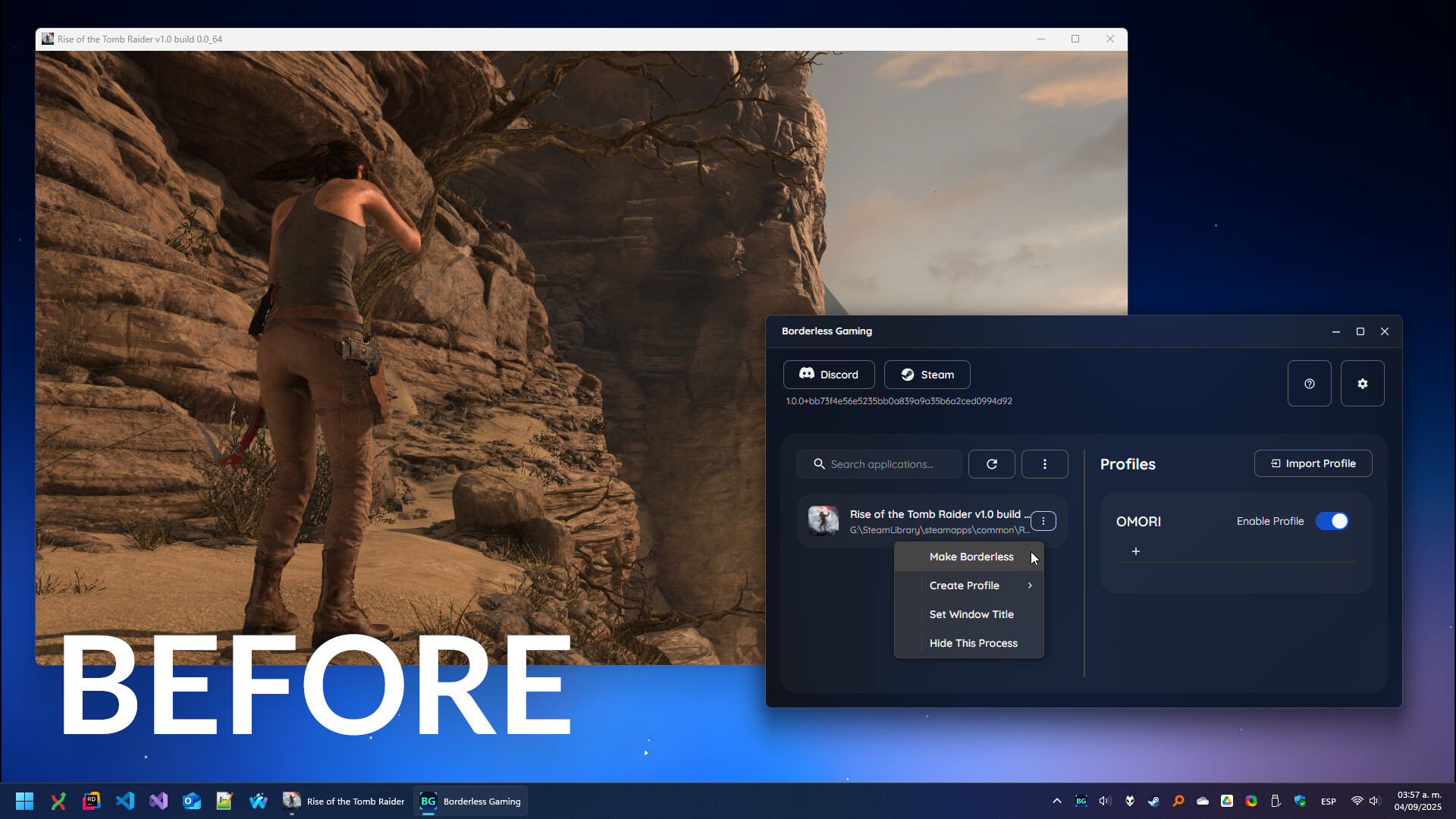
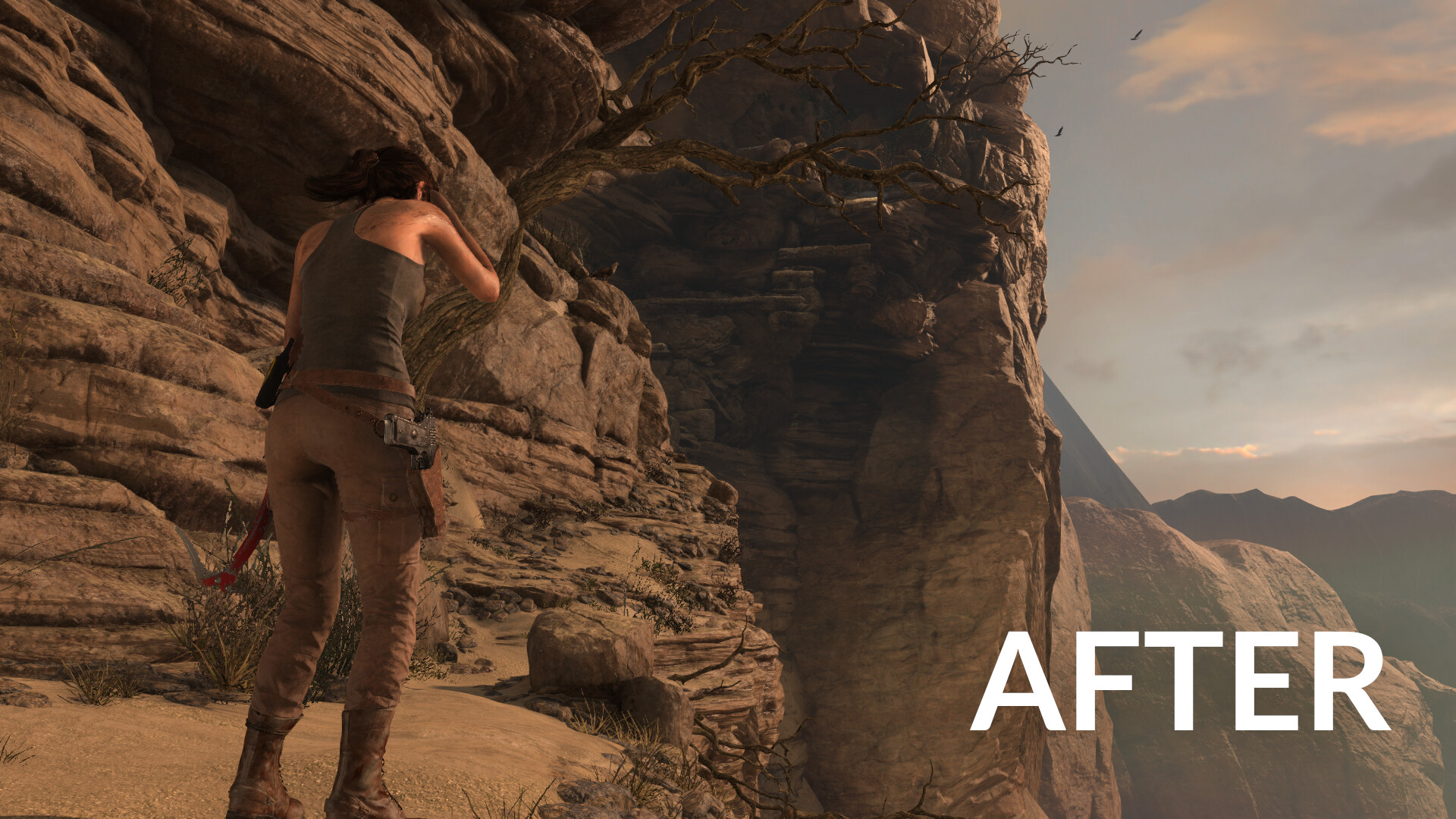
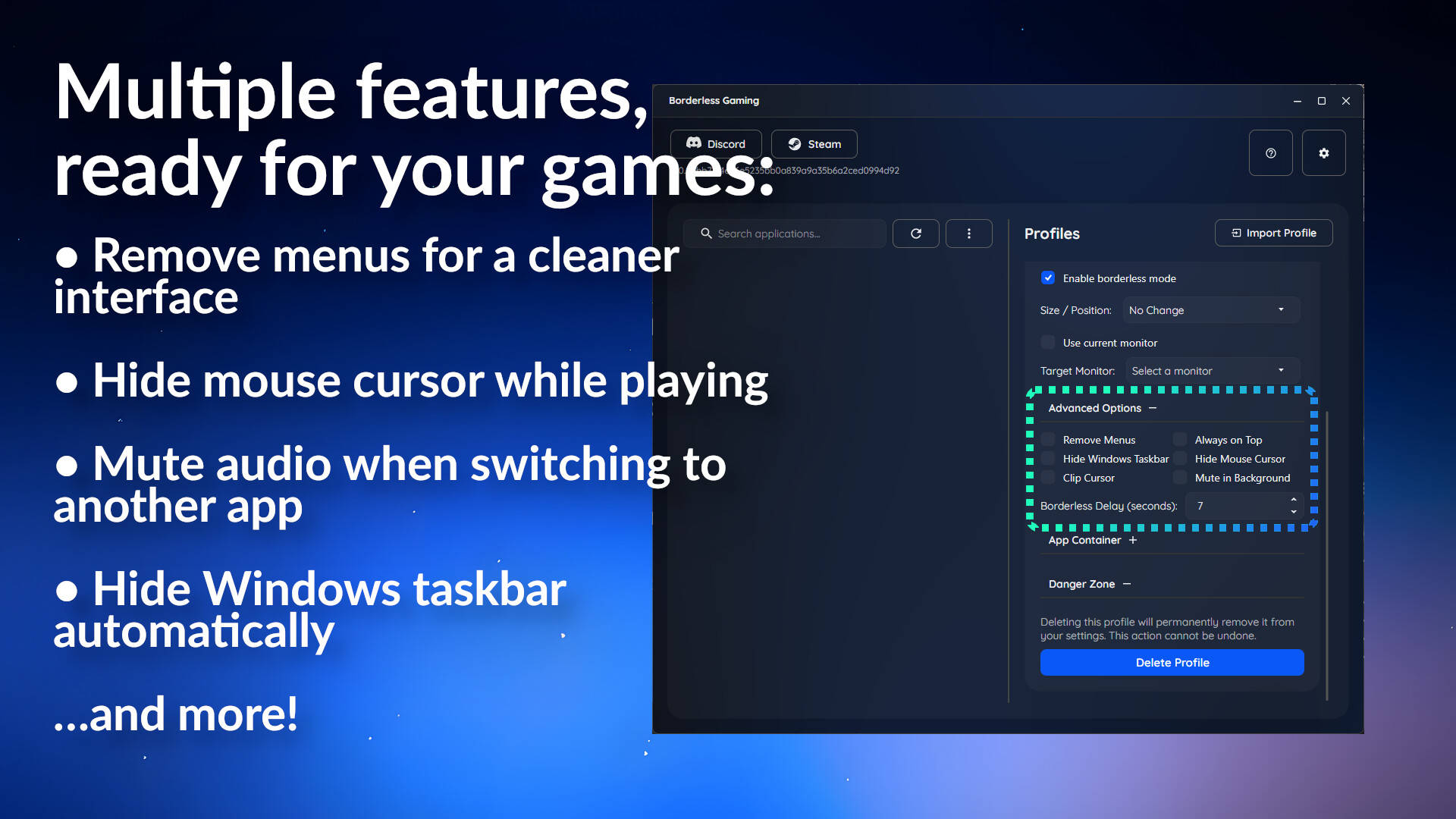
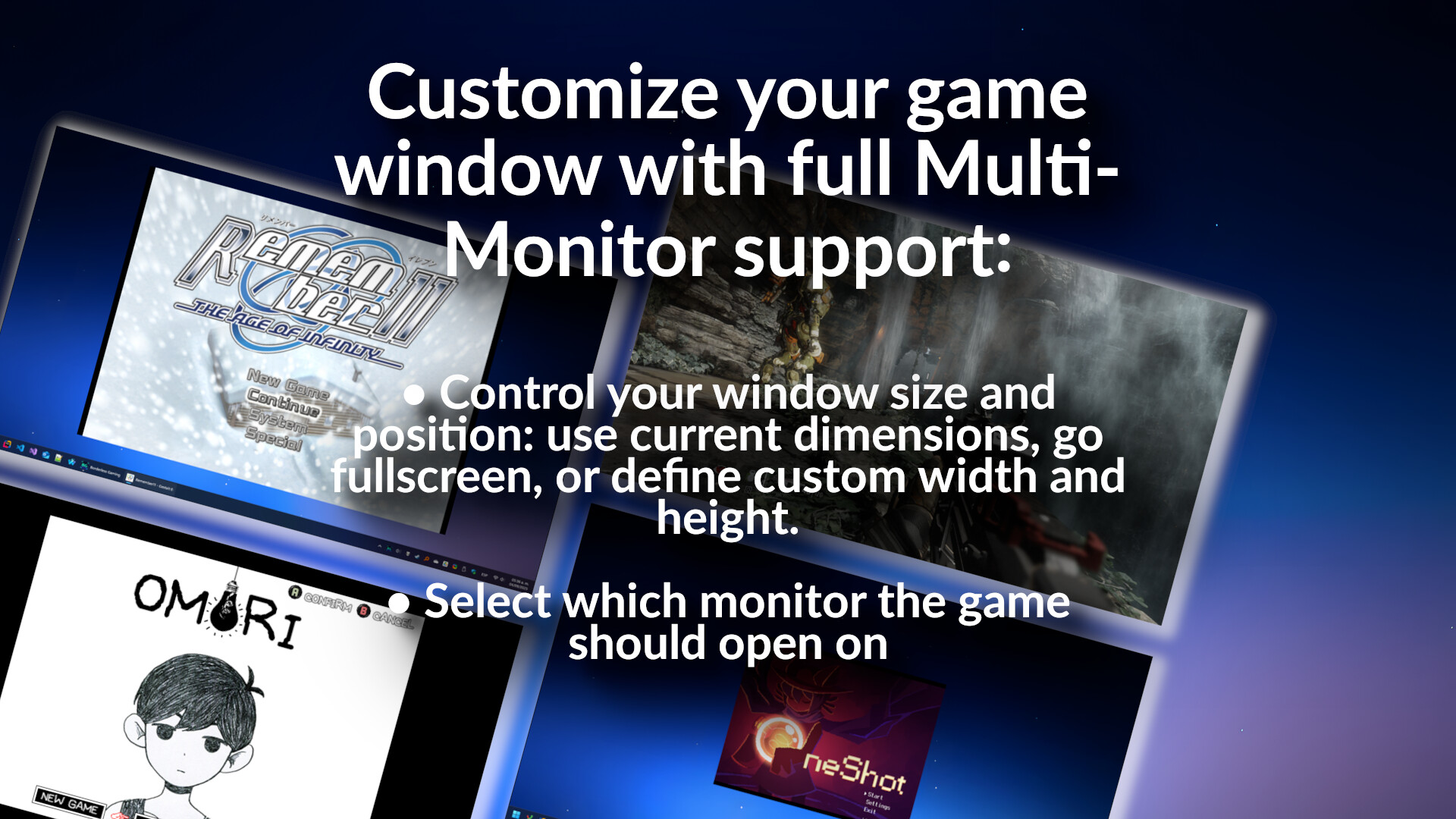
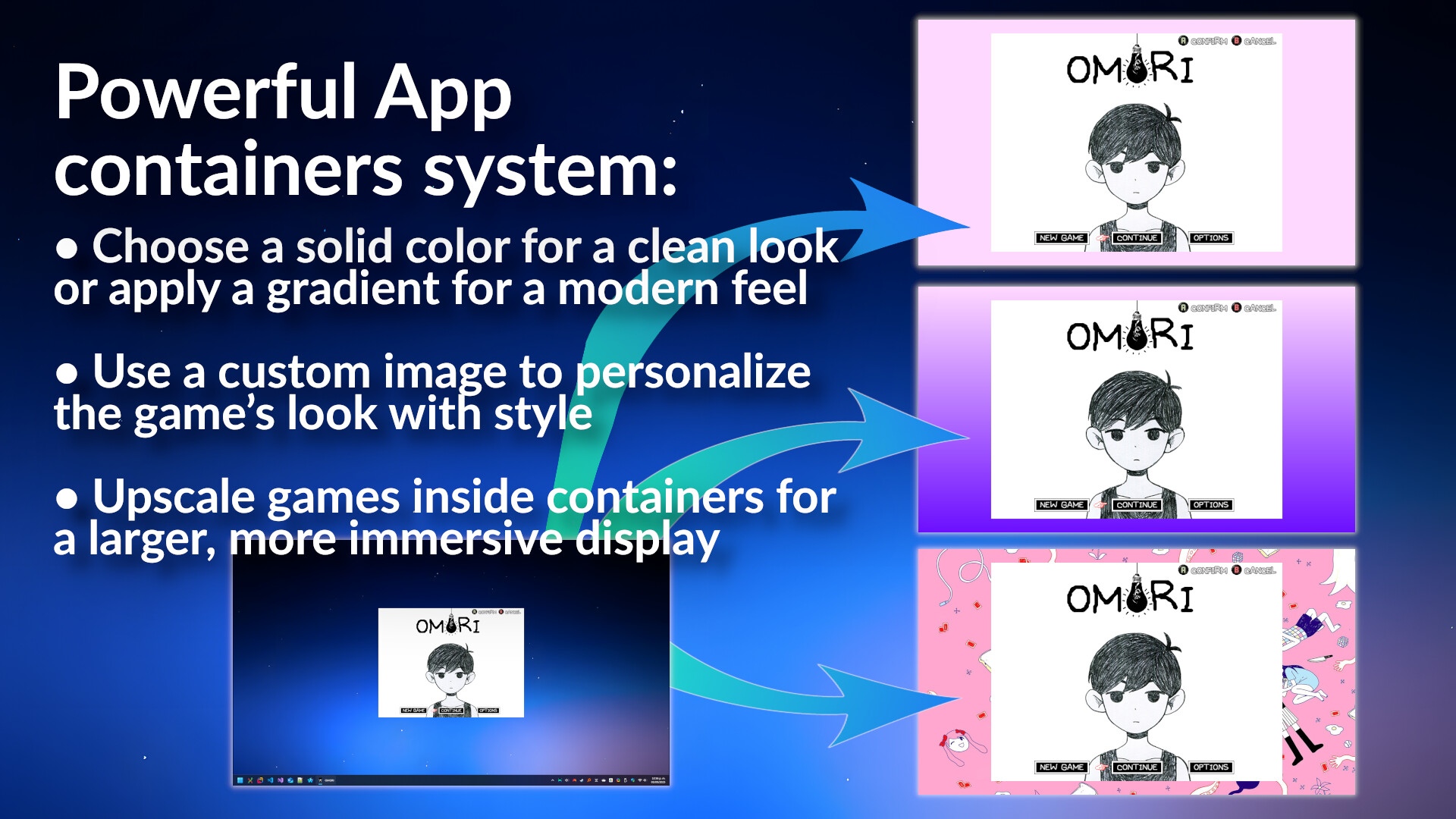
Borderless fullscreen for every game. GPU effects and upscaling. Old games that actually work. Borderless Gaming has three tools that all work together: borderless fullscreen, BGFX for visual effects, and BGProxy for games that refuse to cooperate. Borderless fullscreen Force any game into borderless fullscreen. Alt-tab without crashes, hide the taskbar, lock the cursor to the game window, mute games in the background, position a game at any size on any monitor. Set up a profile once and it applies automatically every time you launch. BGFX — effects and upscaling BGFX captures your game and runs it through a GPU effect pipeline. 390+ effects — FSR, neural network upscalers, CRT scanlines, VHS, sharpening, anti-aliasing, LUT color grading. Stack as many as you want, each one feeds into the next. On Steam Deck, BGFX runs natively in Game Mode. Full gamepad navigation, per-game presets, and an in-game overlay to tweak everything while you play. No desktop mode required. On Windows, the same effect library runs through a Vulkan backend alongside D3D11 capture. BGProxy — fix old and broken games BGProxy intercepts a game's graphics pipeline and makes it work properly on a modern PC. OpenGL, DirectX 8 through 12 — from early 2000s classics to modern titles that just won't cooperate. Fullscreen-only games become real, resizable windows. The game re-renders to fit — drag the border, maximize, go ultra-wide, and the resolution follows. Alt-tabbing no longer pauses the game, and input is blocked in the background so you can multitask. BGProxy also upgrades how the game talks to your hardware. DirectX games get FLIP model presentation for lower input latency and smoother frame pacing. OpenGL games are re-rendered through a DirectX 12 pipeline and their GL contexts are upgraded to the highest compatibility profile your driver supports, so the driver can apply optimizations that the original game never asked for. Broken timer code that causes micro-stutter is intercepted and fix
Set up your PC profile to see if you can run this game.
Community Reported FPS
No community FPS reports yet for this game — be the first to share yours!
Sign in to submit your FPSScreenshots
System Requirements
Minimum
OS: —
CPU: —
GPU: Close your eyes and open them to simulate fading effects during operation.
RAM: 50 GB
Storage: 200 GB
Recommended
OS: —
CPU: —
GPU: —
RAM: — GB
Storage: — GB